
How to Measure a Ramp's Slope (and Check the ADA 1:12 Rule)
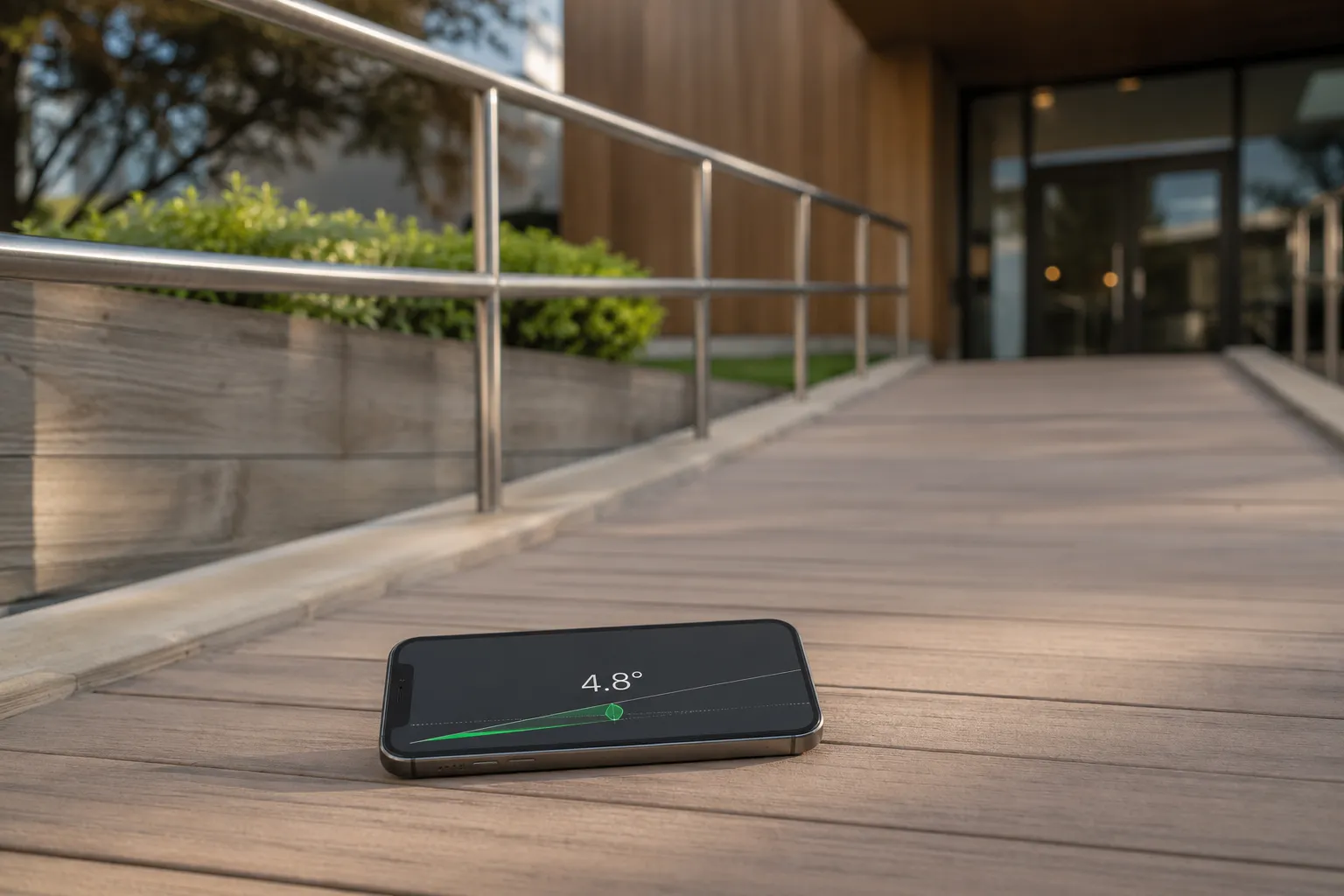
One slope, three numbers
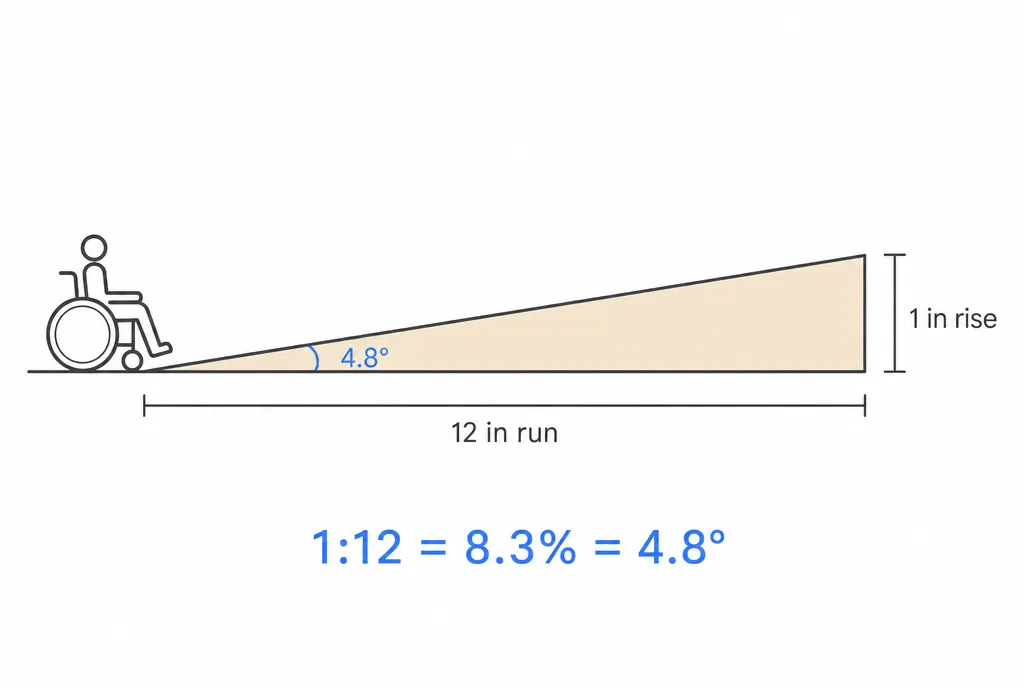
Ramp slope gets written three ways, and they’re all the same measurement:
- Ratio — 1:12 means one unit of rise per twelve units of horizontal run.
- Percent — rise ÷ run × 100. 1:12 works out to 1 ÷ 12 = 8.33%.
- Degrees — the actual angle. arctan(1 ÷ 12) ≈ 4.76°.
Codes speak in ratios, engineers in percent, and your phone reads degrees natively, so it pays to recognize all three. If the conversions feel slippery, degrees, percent slope, and ratio walks through the math once and for all.
The ADA 1:12 rule in plain terms
For new construction, the ADA limits a ramp’s running slope — the slope along the direction of travel — to 1:12 maximum. Practically, that means every inch of rise needs at least twelve inches of ramp. A porch 20 inches above the walkway needs 20 feet of run. A 30-inch door landing needs 30 feet, which is why real-world ramps switchback: the ADA also requires a level landing at least every 30 inches of rise.
Two more numbers matter:
- Cross slope — the tilt across the ramp’s width — is capped at 1:48, about 2%. It exists only to shed water; more than that pulls a wheelchair sideways.
- Landings at the top, bottom, and turns must be effectively level (no more than 1:48 in any direction).
Remember that 1:12 is a ceiling, not a target. A 1:16 or 1:20 ramp is easier for everyone; build shallower whenever you have the room.
Measuring the slope with your phone
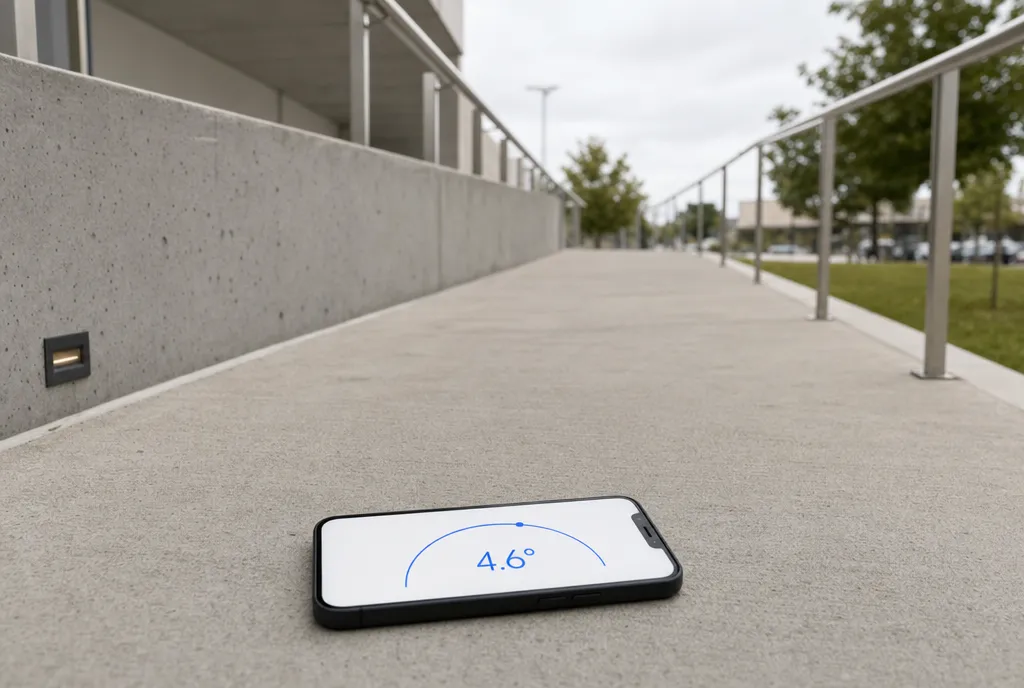
Your iPhone’s tilt sensors make it a pocket inclinometer — accurate to about a degree, which is plenty for checking a ramp.
- Zero the app on a known-flat surface first so any small offset doesn’t ride into the reading.
- Lay the phone on the ramp in the direction of travel — long edge pointing straight up the slope, not diagonally. A canted phone reads shallow.
- Bridge rough surfaces. On textured concrete, set the phone on a short flat board so it reads the plane, not one bump.
- Read the number. At or below 4.8° (8.33%, 1:12) passes. An inclinometer app will flip the same reading between degrees, percent, and X:12 with a tap.
- Repeat every few feet along the ramp. Compliance is judged by the steepest section, not the average — a ramp that’s 4° for most of its run and 7° at the threshold fails at the threshold.
Then rotate the phone 90° and take a reading across the ramp at a few points. That’s the cross slope, and it should stay under about 1.2° (1:48, ~2%).
Measuring rise and run by hand
No phone, or want a second opinion? Slope is just rise over run.
- Rest a 4-foot level on the ramp surface, pointed up the slope, and lift the downhill end until the bubble centers.
- Measure the gap from the lifted end straight down to the ramp. That’s the rise over a 48-inch run.
- Divide: a 4-inch gap is 4 ÷ 48 = 1:12 exactly. Anything more than 4 inches over a 4-foot level is steeper than the ADA maximum.
This “level and gap” method is the classic inspector’s check, and the 4-inch-per-4-feet threshold is worth memorizing. For the general technique on any surface — driveways, roofs, drainage — see how to measure slope and incline.
Ramps you can’t reach
Sometimes you need a number before you’re standing on the ramp — sizing up a site from across the street, or checking a ramp that’s fenced off. Point the phone’s camera at the ramp from the side, square to it, and read the angle of the slope line off the live image. It won’t match the on-surface reading to the decimal, but it will immediately tell you whether you’re looking at a gentle 1:16 or a noncompliant 1:8.
The quick checklist
- Running slope: ≤ 1:12 (8.33%, ~4.76°), measured at the steepest point.
- Cross slope: ≤ 1:48 (~2%, ~1.2°).
- Landings: level, at top, bottom, turns, and every 30 inches of rise.
- Measure in the direction of travel, zero the phone first, and check several spots.
Ten minutes with a phone tells you whether a ramp is safe, compliant, or headed for a rebuild — measure before you pour, and again after.
Frequently asked questions
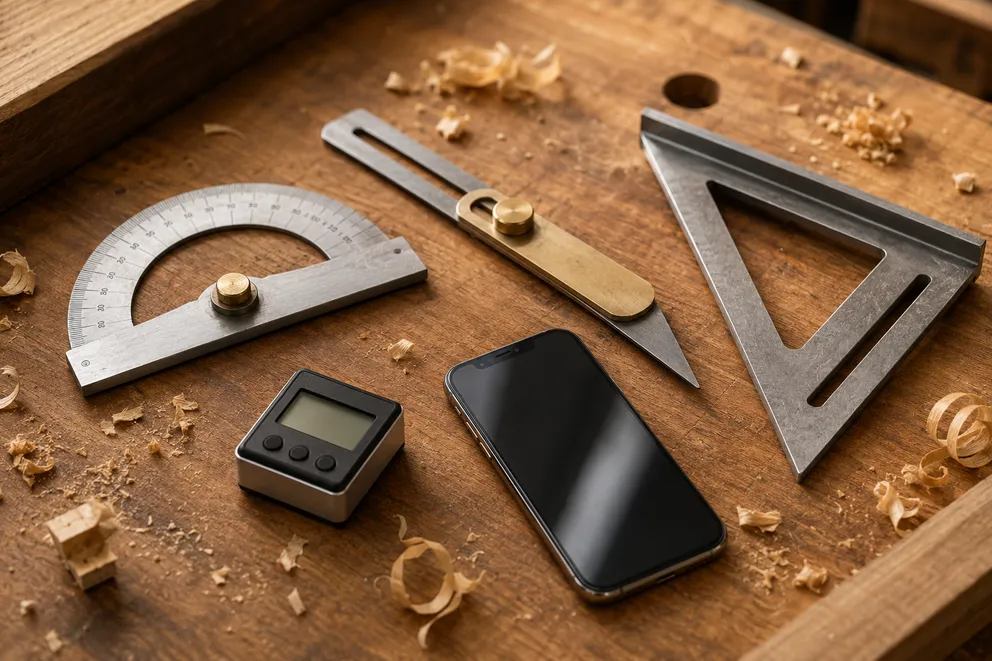
Angle Measuring Tools Compared: Which One Do You Need?
What each angle measuring tool does best — protractor, T-bevel, speed square, digital angle gauge, phone app, online protractor — and how to pick one.
How to Measure the Angle Between Two Walls
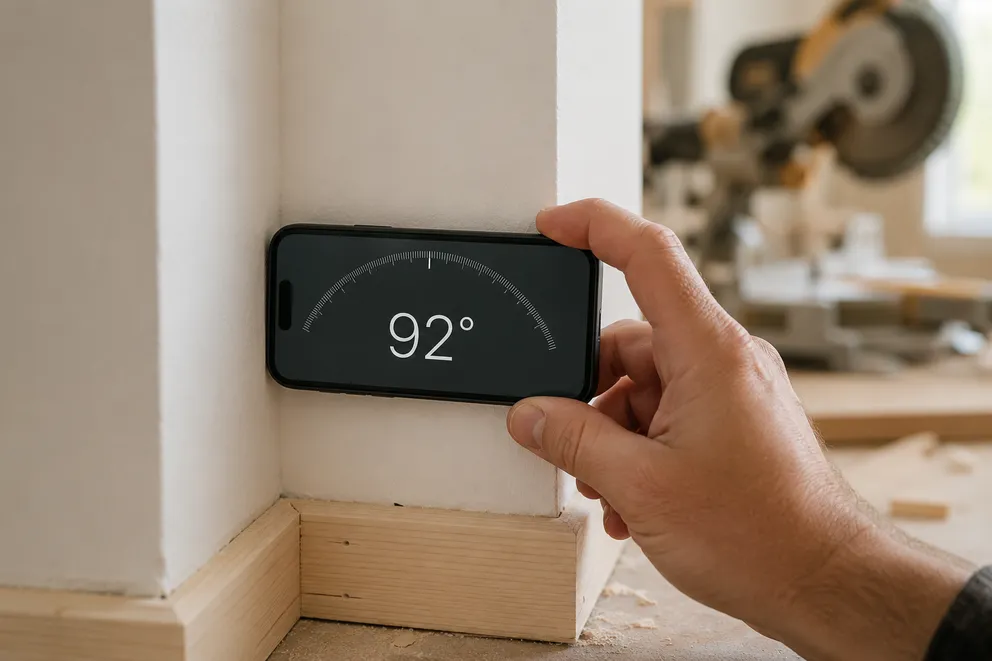
Three ways to measure the true angle between two walls — phone with zeroing, T-bevel and protractor, or camera mode — and turn it into the right miter cut.
Measure any angle,
right from your pocket.
Protractor turns your phone into a precision angle finder, level and inclinometer. Measure anything, anywhere.
Download the App