
How to Measure Slope and Incline (Degrees, % and Ratio)
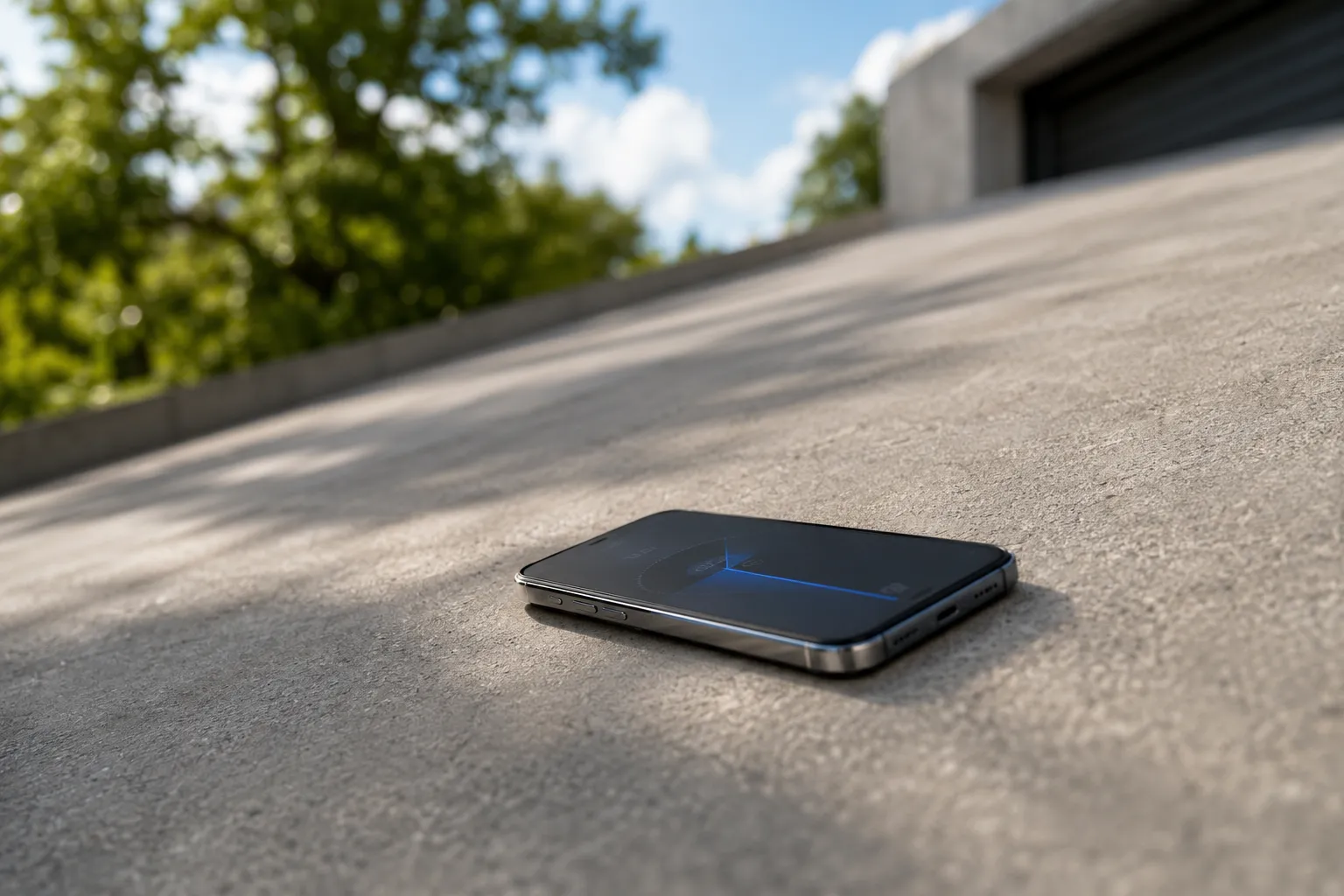
Slope, incline, and grade: same idea, different words
When a surface isn’t level, it has slope. Slope is the math word for steepness; incline is the physical tilt you feel underfoot; grade is the word builders and road crews use for the same thing. In practice they’re interchangeable — a 5° incline, a 5° slope, and a 5° grade all describe one surface tilting five degrees off horizontal.
What matters is that steepness is a single quantity, and you can write it down in three different units. Picking the wrong unit — or mixing two of them — is where most slope mistakes happen, so it’s worth knowing all three before you measure anything.
The three ways to express slope
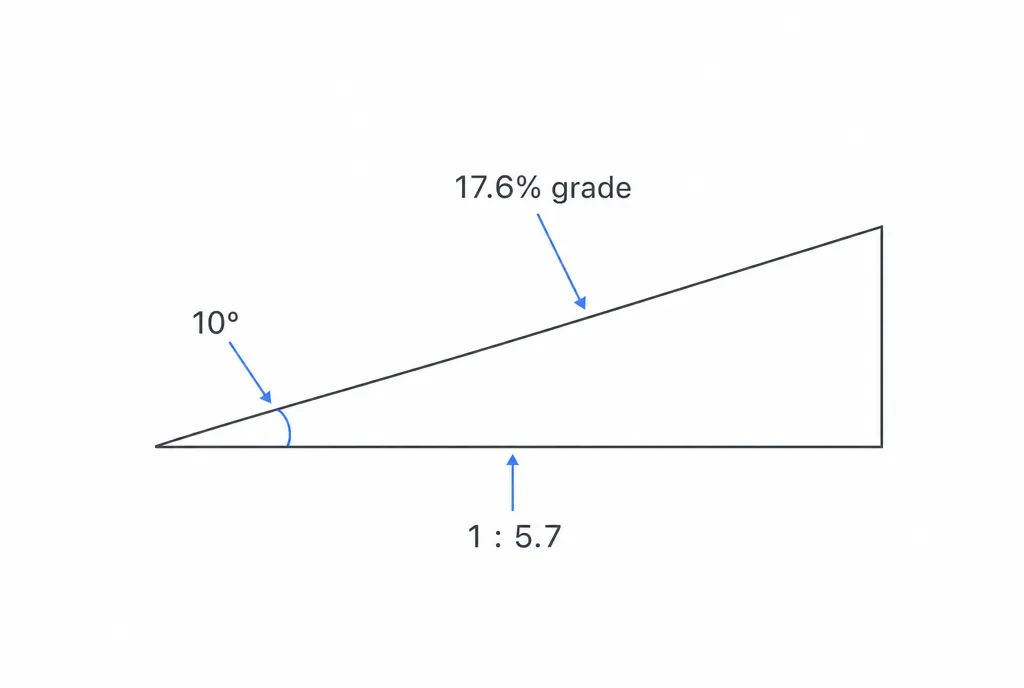
Degrees measure the angle directly, from 0° (perfectly level) to 90° (a vertical wall). This is the most intuitive unit and the one your phone reads natively. A gentle wheelchair ramp is under 5°; a steep staircase is around 35°.
Percent grade is rise divided by run, times 100. If a path climbs 8 units of height over 100 units of horizontal distance, that’s an 8% grade. Roads, trails, and drainage are almost always specified this way. The thing to remember: 100% grade is not vertical — it’s a 45° angle, where rise equals run. Percent grade keeps climbing past 100% as the angle approaches 90°.
Ratio (or “rise-in-run”) writes the same relationship as 1:12 or “1 in 12” — one unit up for every twelve units along. Ramps, drainage pipes, and accessibility codes love this format because it’s easy to lay out with a tape measure. A 1:12 ratio is the same as an 8.3% grade and about 4.8°.
All three describe one tilt. Converting between them is just trigonometry: percent = tan(degrees) × 100, and degrees = arctan(rise ÷ run).
Measuring slope with your phone
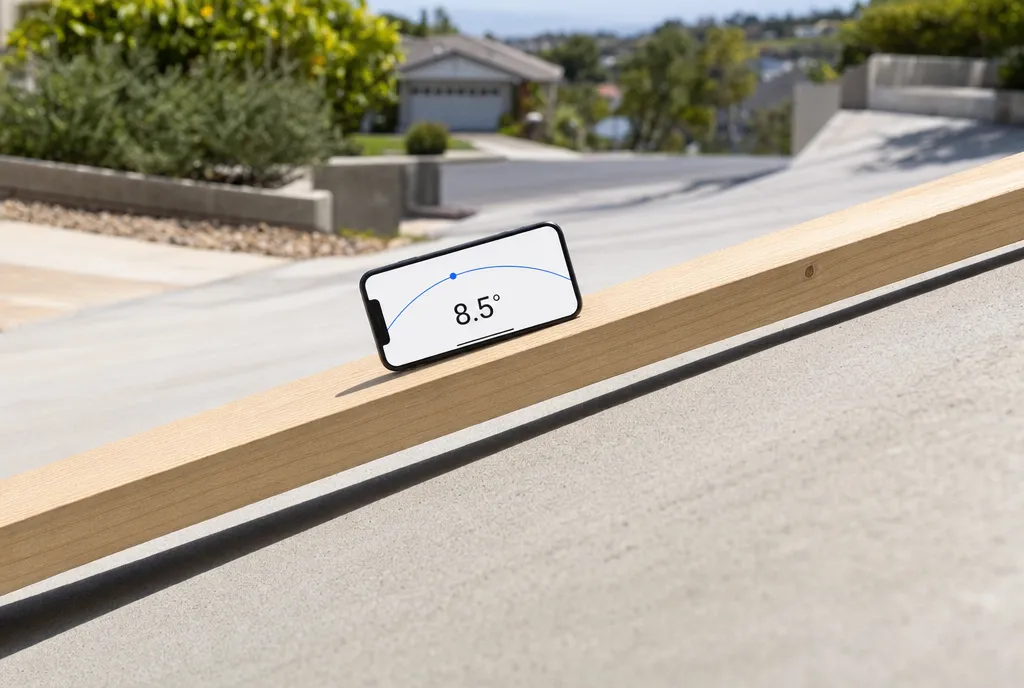
Your iPhone has an accelerometer and gyroscope — the same sensors behind Apple’s built-in level. They sense the direction of gravity, so the phone always knows how far it’s tilted from flat. That makes it a pocket inclinometer: lay it on a slope and the tilt it reads is the slope.
- Open a level or inclinometer app and let it settle for a second.
- Lay the phone flat on the surface you want to measure — along the direction of the slope, not across it. On a ramp or driveway, point the long edge up the grade.
- Read the tilt. The screen shows the angle live in degrees as you set the phone down.
- Switch units if you need to. A dedicated digital level app lets you flip the same reading between degrees, percent grade, and an X-in-12 ratio with a tap — no manual conversion.
For surfaces you can’t lay a phone against — like the slope of a roofline across the yard — point the camera at it and read the angle off the photo instead.
Measuring slope by hand: rise over run
No phone? Slope is just rise over run, and a tape measure and a level get you there.
- Set a level horizontal line. Hold a straight board or a long spirit level out from the high point of the slope until the bubble centers. That board is your “run.”
- Measure the run. Note the horizontal length of the board — say 24 inches.
- Measure the rise. At the far end, measure straight down from the board to the surface — say 2 inches.
- Divide. Rise ÷ run = 2 ÷ 24 = 0.083. Multiply by 100 for 8.3% grade, or read it as a 1:12 ratio. Take
arctan(0.083)for 4.8°.
Longer boards give better numbers — a 12-inch offcut amplifies every wobble, while a 4-foot level averages out surface bumps.
A worked example: a wheelchair ramp
Accessibility guidelines cap a wheelchair ramp at a 1:12 ratio — one inch of rise for every twelve inches of run. Suppose a doorway sits 30 inches above the path. The minimum ramp run is 30 × 12 = 360 inches, or 30 feet of ramp.
Check the resulting slope three ways:
- Ratio: 30 rise over 360 run = 1:12. ✓
- Percent grade: 30 ÷ 360 × 100 = 8.3%.
- Degrees: arctan(30 ÷ 360) = arctan(0.083) ≈ 4.8°.
Lay a phone on the finished ramp and you should read right around 4.8° — confirming the build matches the code maximum. Anything steeper and the ramp gets unsafe to use unassisted, so 1:12 is a ceiling, not a target. Roofs work the same way, just expressed differently; see how to measure roof pitch or run the numbers through the roof pitch calculator.
Accuracy tips
A phone laid on a surface is good to about 1° for DIY work — plenty for ramps, driveways, shelving, and roof estimates, but not a substitute for a surveyor’s level on a job that demands certified grades.
- Calibrate first. Rest the phone on something you know is dead flat and zero it, so a small built-in offset doesn’t ride along into every reading.
- Measure along the slope, not diagonally across it — a phone canted sideways reads a shallower angle than the true grade.
- Bridge bumps. On rough concrete or gravel, set the phone on a flat board so it reads the overall slope, not one high pebble.
- Take a few readings at different spots and average them; real-world surfaces are rarely a single clean plane.
Get the unit right, set the phone down square, and read twice. That’s the whole job.
Frequently asked questions
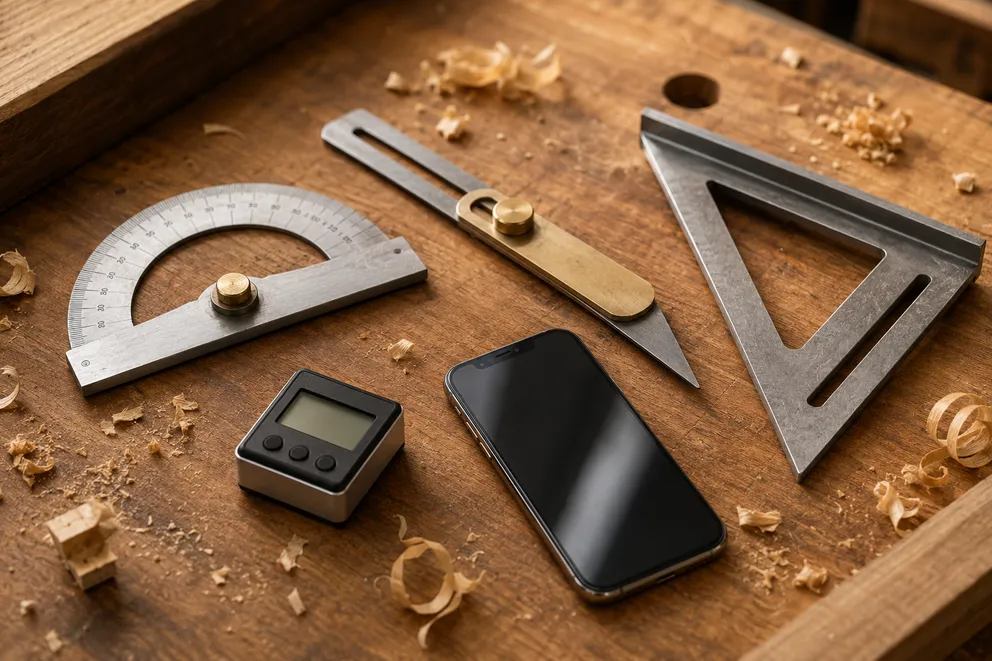
Angle Measuring Tools Compared: Which One Do You Need?
What each angle measuring tool does best — protractor, T-bevel, speed square, digital angle gauge, phone app, online protractor — and how to pick one.
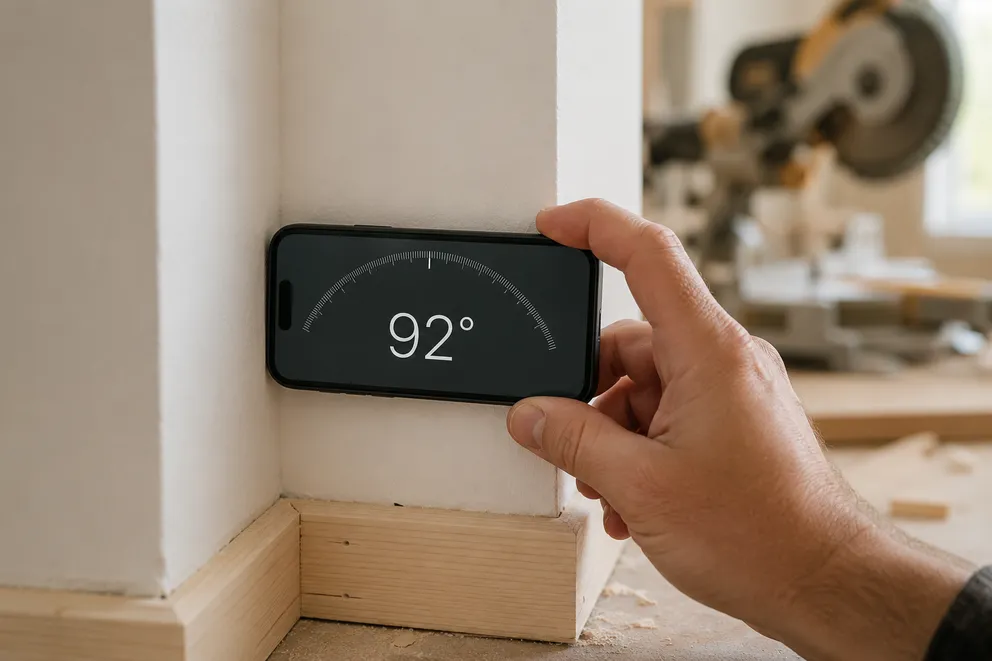
How to Measure the Angle Between Two Walls
Three ways to measure the true angle between two walls — phone with zeroing, T-bevel and protractor, or camera mode — and turn it into the right miter cut.
Measure any angle,
right from your pocket.
Protractor turns your phone into a precision angle finder, level and inclinometer. Measure anything, anywhere.
Download the App