
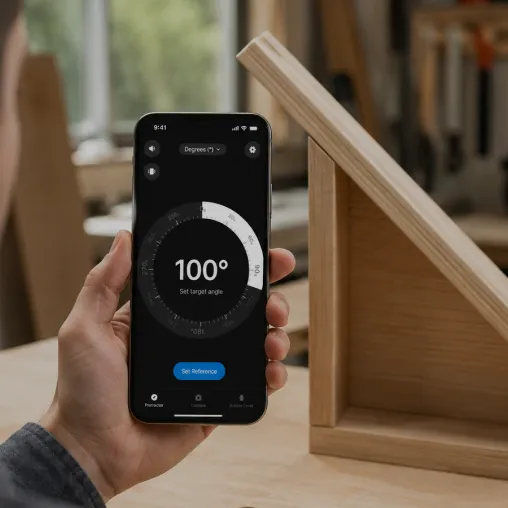
Rest your iPhone on any surface and Protractor reads the exact angle and slope in real time. No physical protractor needed.
Protractor is an iOS app that measures angles, slopes, inclines, and level using the iPhone's built-in motion sensors and camera, replacing a physical protractor, spirit level, and inclinometer. The accelerometer and gyroscope sense the direction of gravity; the app turns that into the exact tilt of the phone, so resting it on a surface reads that surface's angle in degrees.
Every modern iPhone ships with an accelerometer and a gyroscope — the same sensors behind the level in Apple's Compass app and the Measure app. The accelerometer senses which way gravity points, which means the phone always knows how far it is tilted away from flat.
Protractor reads that tilt and shows it as an angle. Lay the phone on a sloped surface and the number you see is that surface's angle. The same reading converts instantly to percent slope or an X-in-12 ratio, so the app doubles as an inclinometer for ramps, driveways, and roof pitch.
Rest your iPhone on any surface and Protractor reads the exact angle and slope in real time. No physical protractor needed.
A live degree readout updates as you tilt the phone — measure angles, inclines and roof pitch to a fraction of a degree.
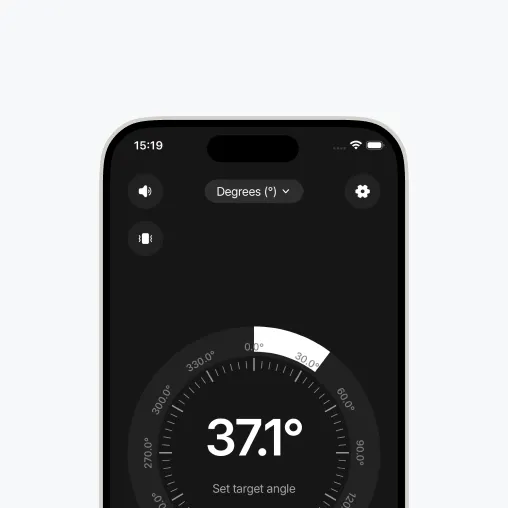
Switch between degrees, percent slope and ratio, and zero the angle against any reference surface in one tap.
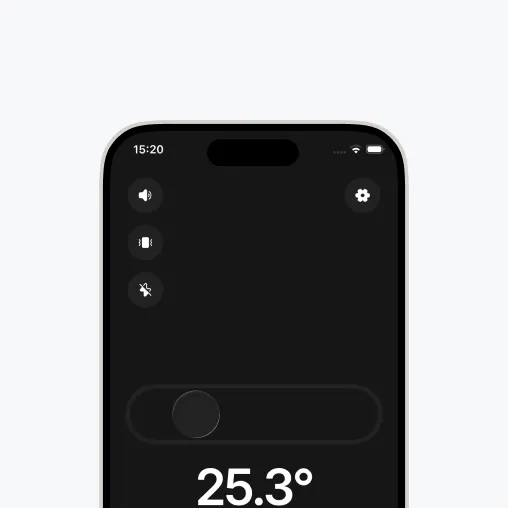
Use the camera protractor to measure an angle in a photo, or the bubble level to check true horizontal and vertical.
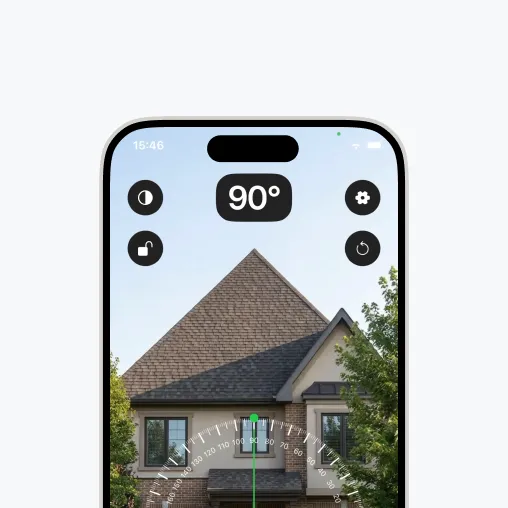
For DIY, woodworking, hanging art level, checking furniture, and measuring slope or roof pitch, a phone-based protractor is accurate, ad-free, and always with you. For machine-shop tolerances or certified survey work, use a calibrated digital protractor or inclinometer. For the step-by-step basics, see how to use a protractor and how to measure an angle.
Protractor turns your phone into a precision angle finder, level and inclinometer. Measure anything, anywhere.
Download the App