Angle & slope
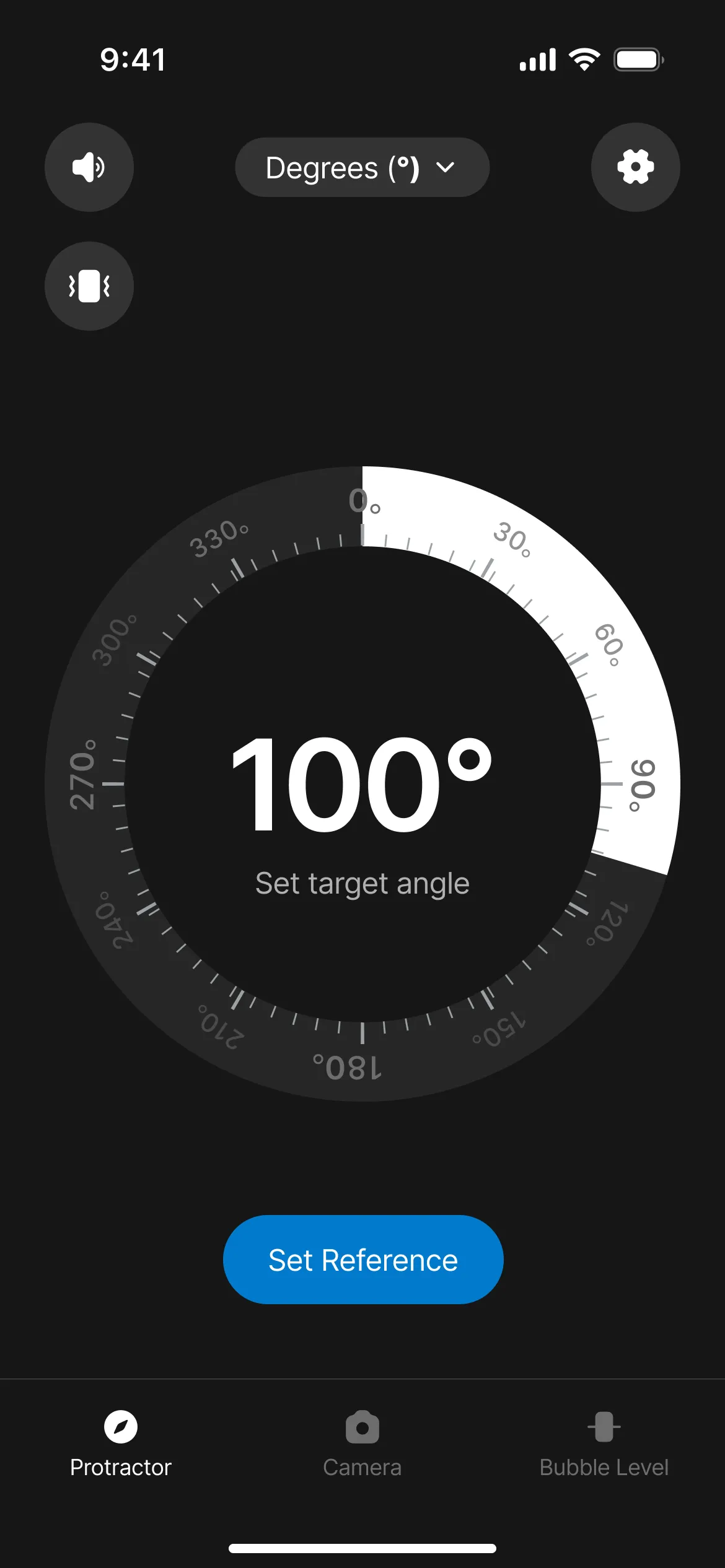
Rest your iPhone on any surface and the motion sensors read the exact tilt — angle, incline, or roof pitch — to a fraction of a degree.
 Protractor
 is an iOS and Android app that measures angles, slopes, inclines, and level using the phone's built-in motion sensors and camera, replacing a physical protractor, spirit level, and inclinometer. It's free to try, ad-free, and works offline.
The protractor app for iPhone and Android. Measure angles, slopes, and level with your phone's motion sensors and camera — no physical protractor needed. Free to try, ad-free.
18
measuring modes
Ad-free
no distractions
Offline
works anywhere
Rest your iPhone on any surface and the motion sensors read the exact tilt — angle, incline, or roof pitch — to a fraction of a degree.
Point the camera and drag the on-screen arms to measure an angle in a photo. No surface contact needed.
A built-in spirit level shows true horizontal and vertical, so you can hang and align anything dead straight.
Rest your iPhone on any surface and Protractor reads the exact angle and slope in real time. No physical protractor needed.
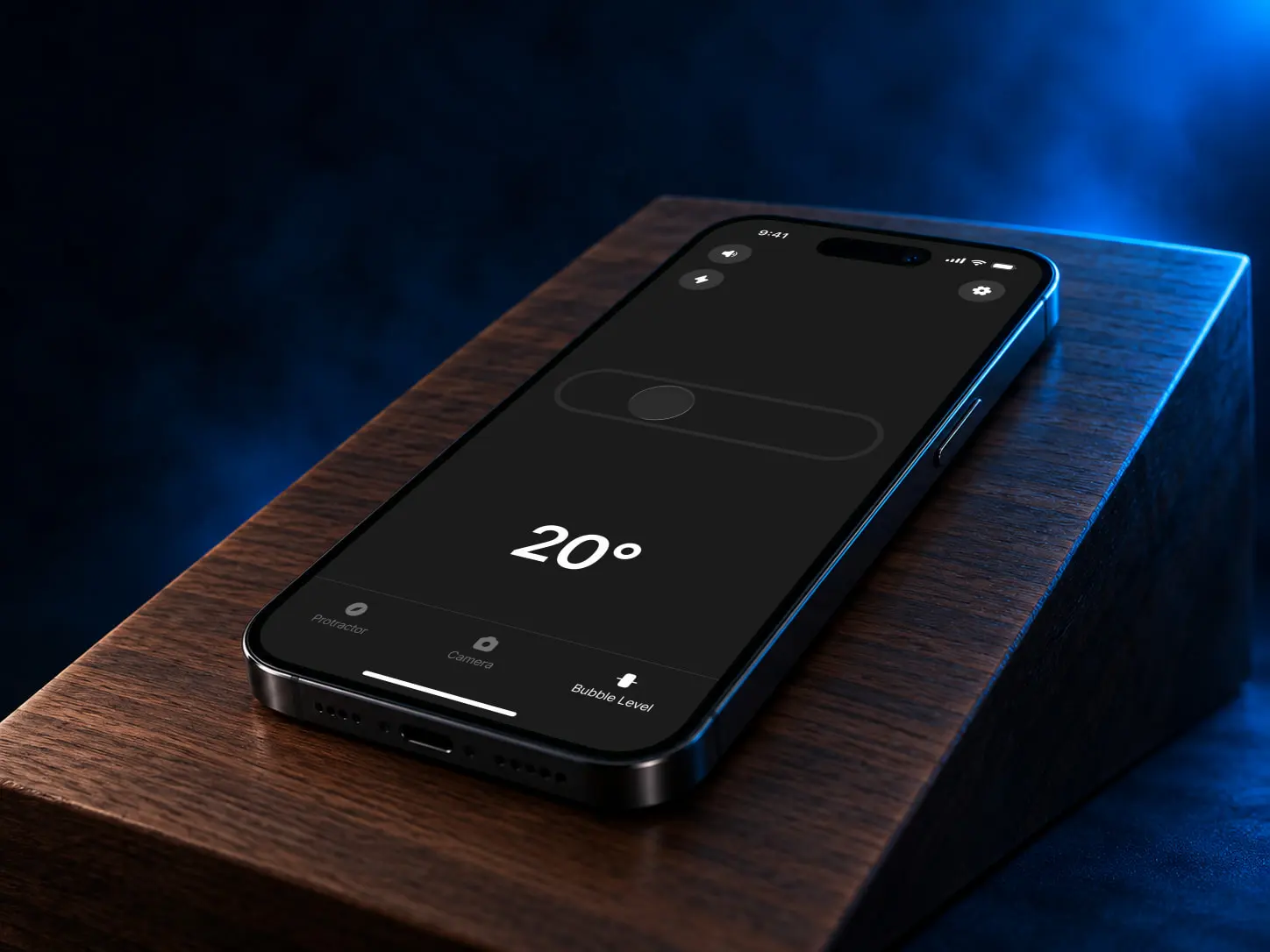
A live degree readout updates as you tilt the phone — measure angles, inclines and roof pitch to a fraction of a degree.
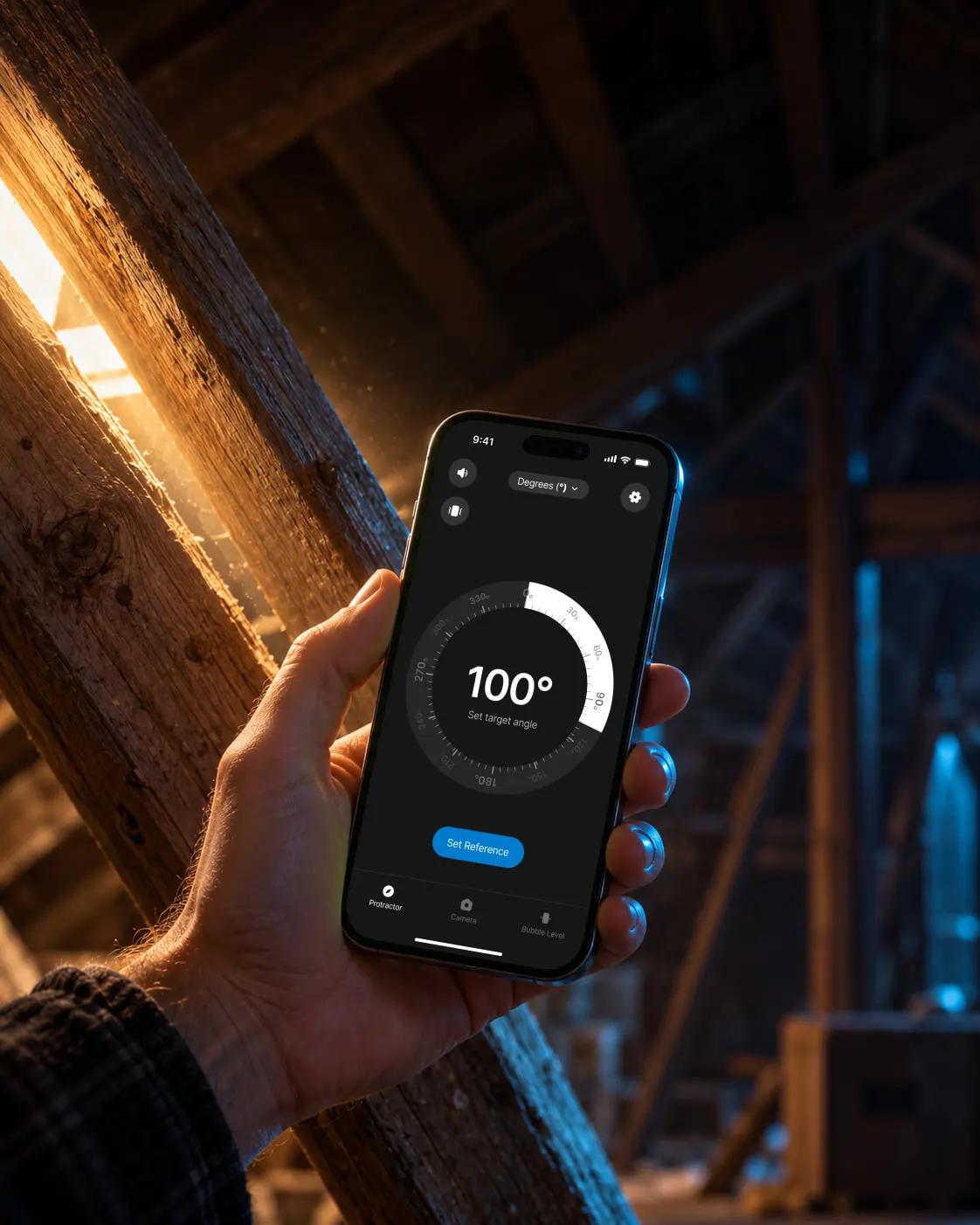
Switch between degrees, percent slope and ratio, and zero the angle against any reference surface in one tap.
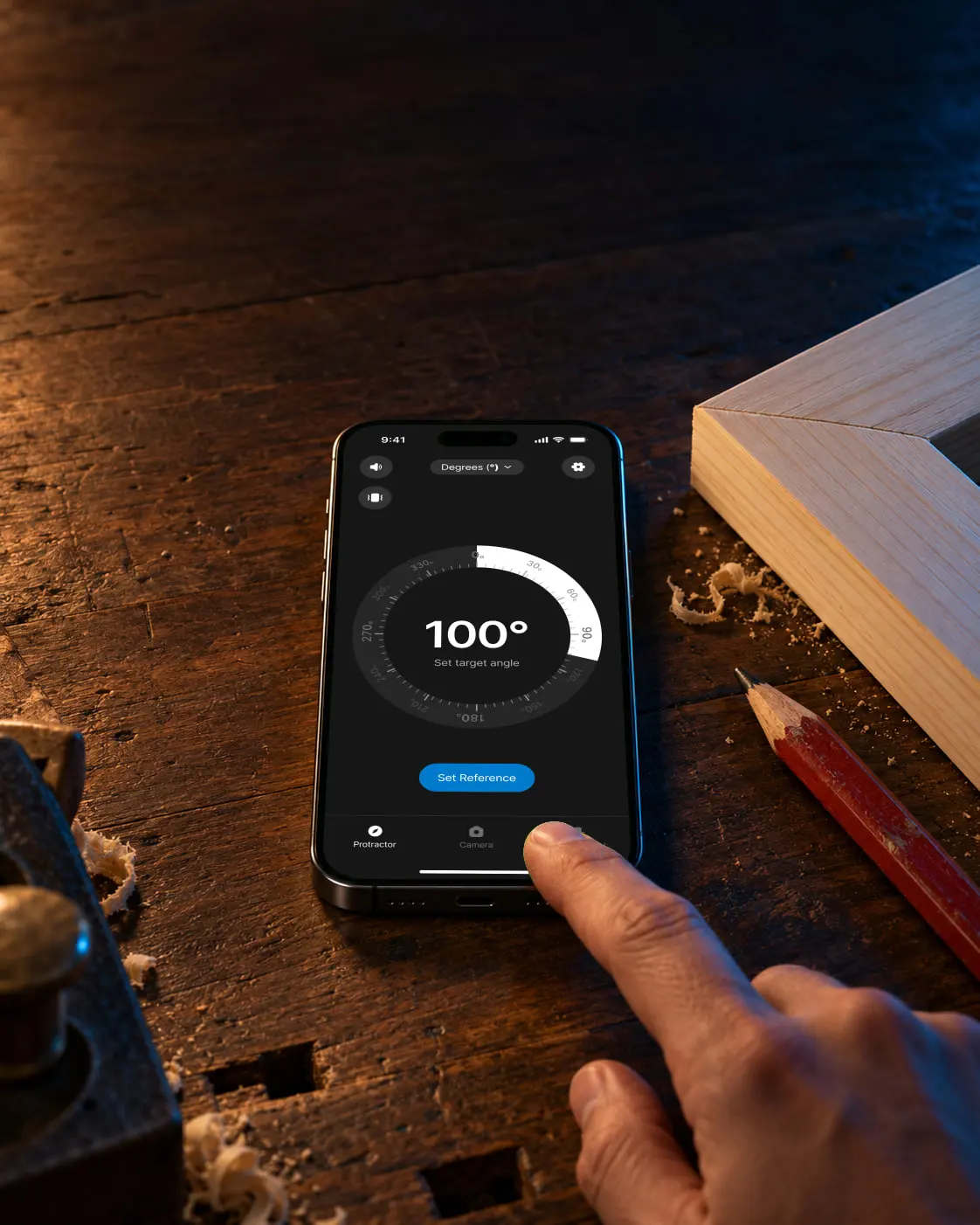
Use the camera protractor to measure an angle in a photo, or the bubble level to check true horizontal and vertical.
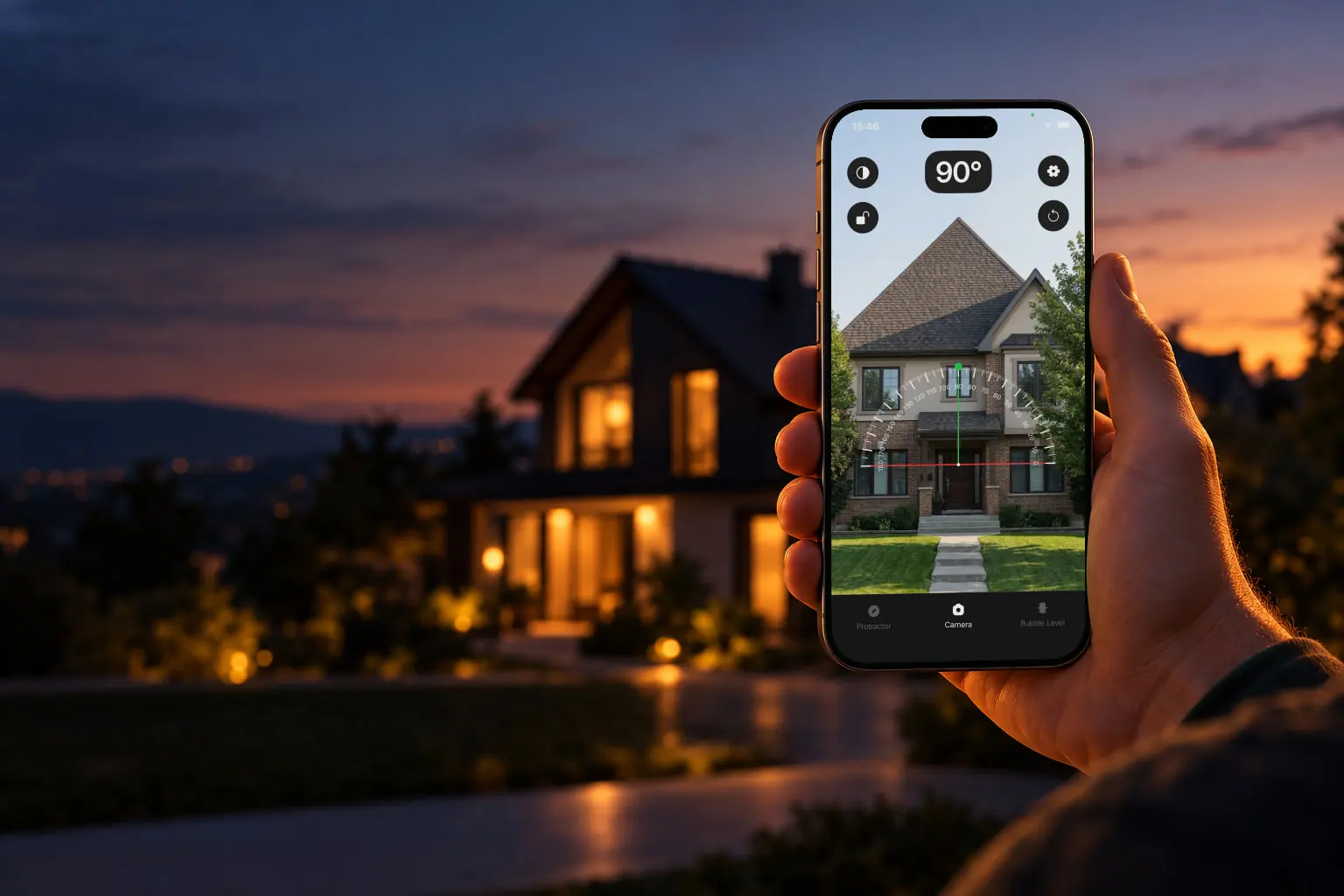
"I hang a lot of gallery walls, and getting every frame perfectly level used to be guesswork. Now I just rest my phone on the frame and read the angle. Everything lines up."
"For mitre joints and bevel cuts I need the exact angle, not a rough guess. Protractor reads it off the workpiece in a second — I've stopped reaching for my bevel gauge."
"Measured my roof pitch from the ground before ordering tiles — held the phone against the gable and had the angle in degrees instantly. Saved me climbing a ladder."
Protractor is an iOS and Android app that measures angles, slopes, inclines, and level using your phone's built-in motion sensors and camera, replacing a physical protractor, spirit level, and inclinometer. It's free to try, ad-free, and works offline.
The iPhone has a built-in accelerometer and gyroscope that sense gravity and orientation. Protractor reads those sensors to calculate the exact tilt of the phone — so resting it on a surface gives you that surface's angle in degrees. For angles you can't lay the phone on, the camera mode lets you measure the angle directly on a photo.
For everyday DIY, woodworking, and home tasks, the sensor-based reading is accurate to within about a degree on most iPhones once the phone is held flat against the surface. Re-zeroing against a known reference before measuring improves accuracy further.
Yes. The same angle reading can be shown as degrees, percent slope, or a ratio, so the app doubles as an inclinometer for measuring ramps, driveways, and roof pitch.
Yes. A built-in spirit (bubble) level shows true horizontal and vertical, so you can check whether shelves, frames, and appliances are straight without a separate level.
Protractor is free to try and ad-free. Core measuring works offline with no account required.
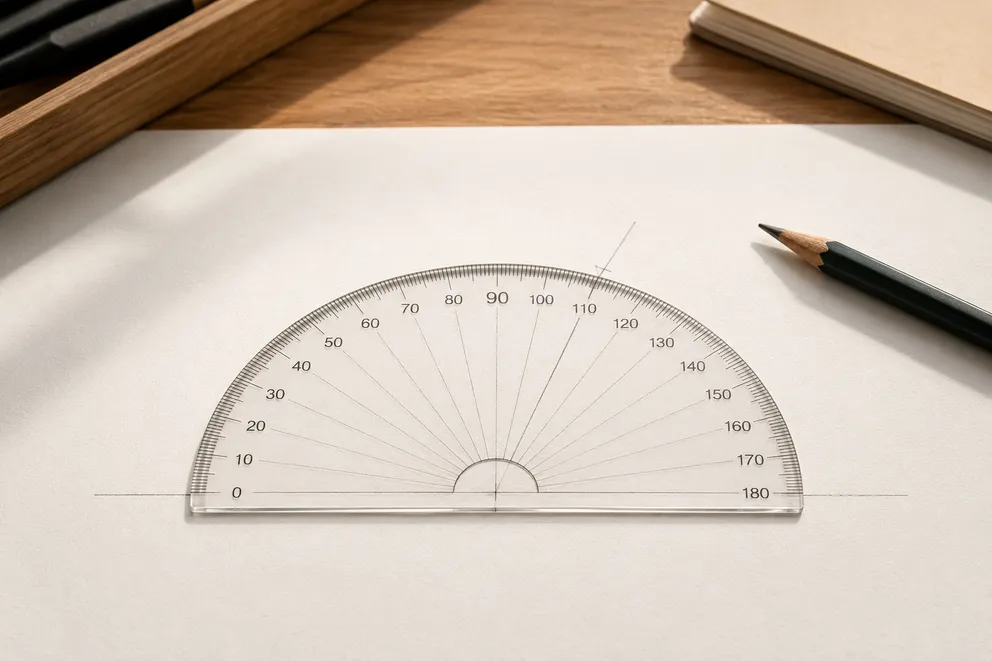
The universal four-step method for drawing any angle with a protractor — with worked examples at 45° and 120°, reflex angles, and how to check your work.
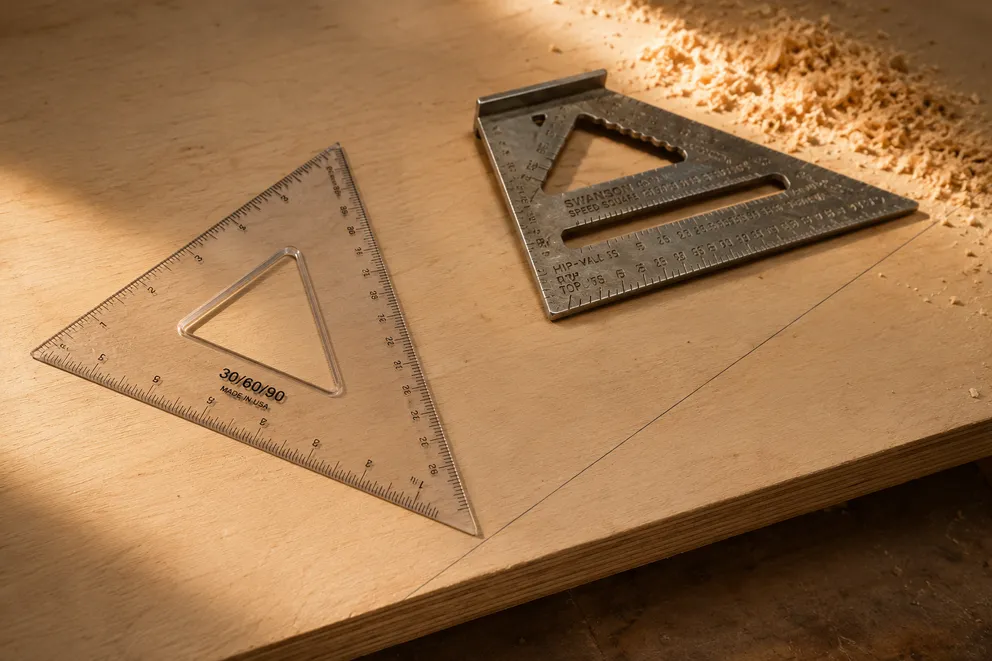
Four ways to measure and mark a 30-degree angle — protractor, speed square, 30-60-90 triangle, or the 2:1 hypotenuse trick — plus a phone check of the cut.
New to protractors? Start with How to use a protractor, try the online protractor, or print a printable protractor.
Protractor turns your phone into a precision angle finder, level and inclinometer. Measure anything, anywhere.
Download the App