
Angle Measuring Tools Compared: Which One Do You Need?
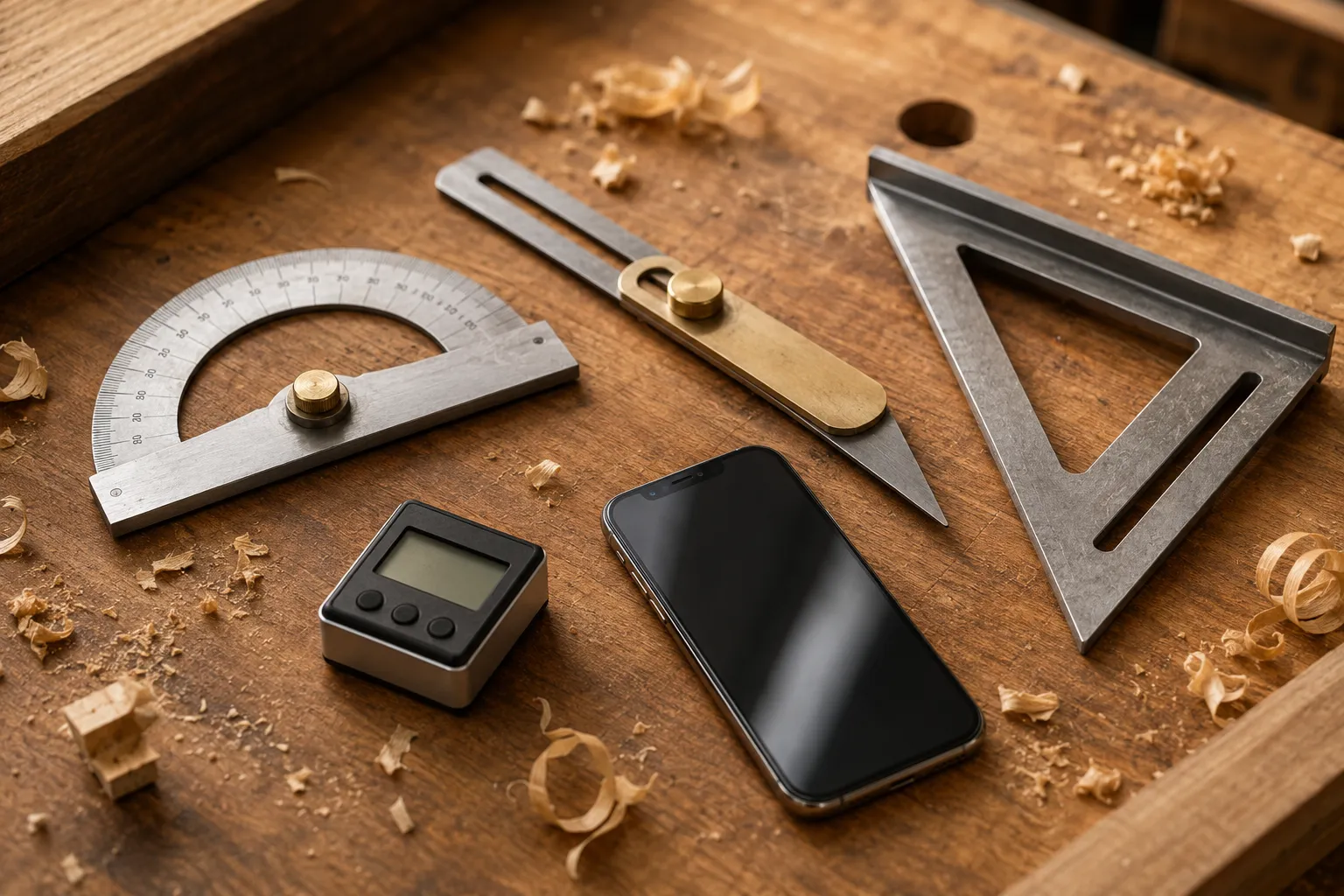
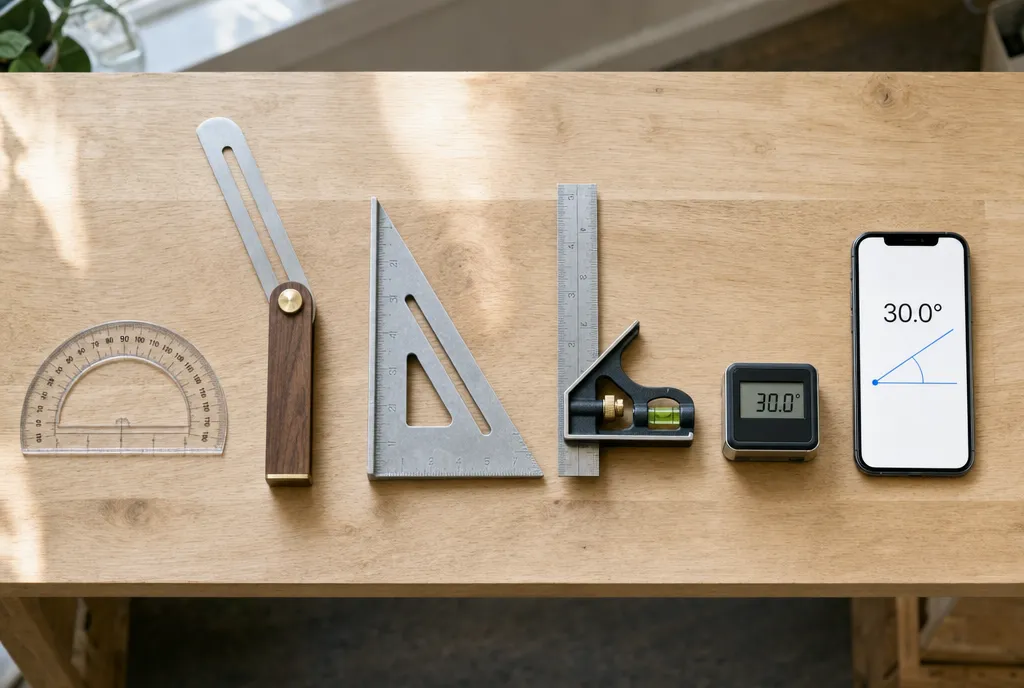
The six tools, and what each is actually for
“Angle measuring tool” covers half a dozen different instruments, and buying the wrong one is a common way to waste twenty dollars. The real question isn’t which is best — it’s what are you measuring: a line on paper, a corner on a workpiece, or a surface you can’t even reach?
Here’s the short version.
| Tool | Best for | Limitation |
|---|---|---|
| Protractor | Drawing and measuring angles on paper | Useless on 3D objects and surfaces |
| Sliding T-bevel | Copying an existing angle to a saw or workpiece | Doesn’t tell you the number — it just holds the angle |
| Speed / combination square | Fast, repeatable 45° and 90° checks and layout | Fixed angles only |
| Digital angle gauge | Exact degree readout on a workpiece or saw blade | Needs a surface to sit on; one more battery to die |
| Phone app | Everyday measuring — surface tilt plus camera for remote angles | Sensor accuracy is about ±1°, not machinist-grade |
| Online protractor | Measuring angles on screen: photos, PDFs, screenshots | Only works on images, not the physical world |
Protractor: the paper tool
The semicircular protractor from geometry class is still the right tool for one job: angles on paper. Laying out a pattern, checking a plan, drawing a 37° line from a baseline — nothing beats it at the desk. Its weakness is everything else; you can’t press a flat semicircle against a door jamb and learn much.
If the angle you need to measure is on a screen instead — a photo, a PDF drawing, a screenshot — drag the online protractor over the image and read it there.
Sliding T-bevel: the copying tool
A T-bevel has a handle and a loose blade you lock at any angle. It doesn’t display numbers at all — its whole job is to capture an angle and carry it somewhere else. Set it against an existing corner, lock the wing nut, then transfer that exact angle to your saw fence or scribe it onto a board. To get the number, you read the locked bevel with a protractor or a phone. It’s the trim carpenter’s favorite for exactly this reason: most cuts need a matching angle, not a named one.
Speed square and combination square: the fixed-angle tools
Squares don’t measure so much as verify. A speed square gives you instant 90° and 45° reference edges plus rough degree markings along the hypotenuse; a combination square adds a sliding rule and a machined 45° shoulder. For checking that a corner is square or scribing a quick miter line, they’re faster than any measuring tool — but for the 78° between two roof planes, they’re the wrong instrument entirely.
Digital angle gauge: the numbers tool
A digital angle gauge is a small box with a screen, usually with a magnetic base. Stick it to a saw blade or set it on a workpiece and it reads the tilt to a tenth of a degree — ideal for dialing in bevel cuts and machine setup. The full workflow, including zeroing on the table before you measure the blade, is in how to use a digital angle gauge.
Phone app: the tool that’s always with you
Your iPhone carries the same tilt sensors a digital gauge uses. Rest the phone on a surface and it reads the angle directly; for corners, zero on one face, move to the other, and read the difference — the same two-surface technique covered in how to use an angle finder. Camera mode extends it to things you can’t touch: point the phone at a roofline or a far wall and read the angle off the live image. As a digital angle finder, it covers the T-bevel’s job and the gauge’s job for anything within about a degree of tolerance.
How to choose by task
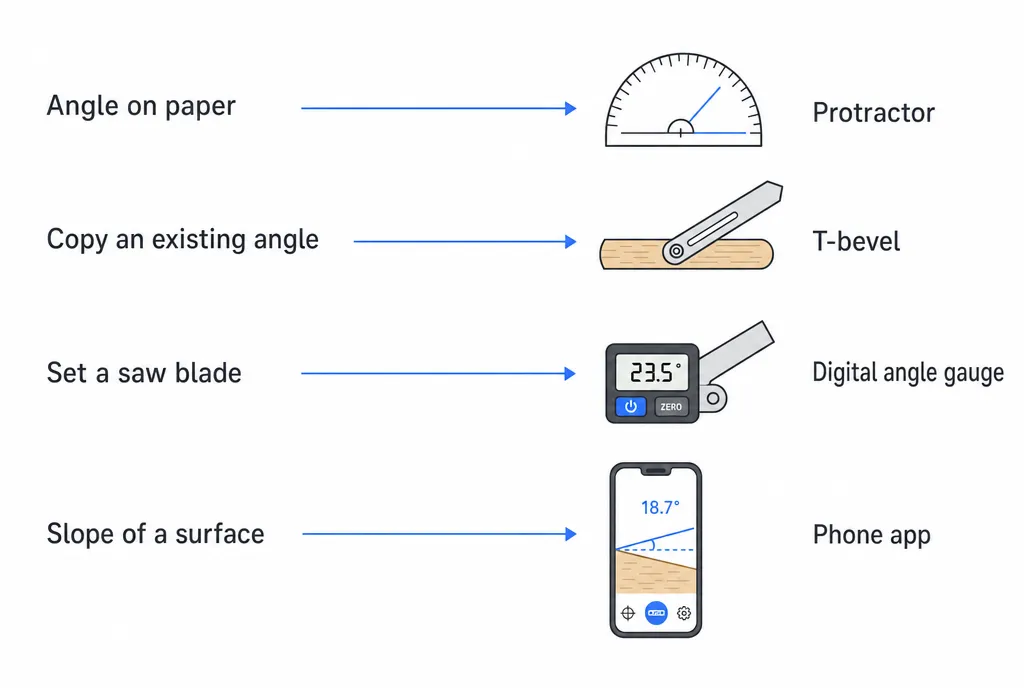
- Drawing an angle on paper or a board face → protractor.
- Matching an existing angle for a cut → sliding T-bevel, then read it with a phone or protractor.
- Checking square or marking 45° → speed or combination square.
- Setting a saw blade to an exact bevel → digital angle gauge, or a phone against the blade.
- Measuring a slope, corner, or surface around the house → phone app.
- Measuring an angle in a photo or on screen → online protractor.
Most DIYers end up needing exactly three: a square for layout, a T-bevel for copying, and a phone for numbers. The rest of the tools that measure angles earn their spot only when your work gets specific enough to demand them.
Frequently asked questions
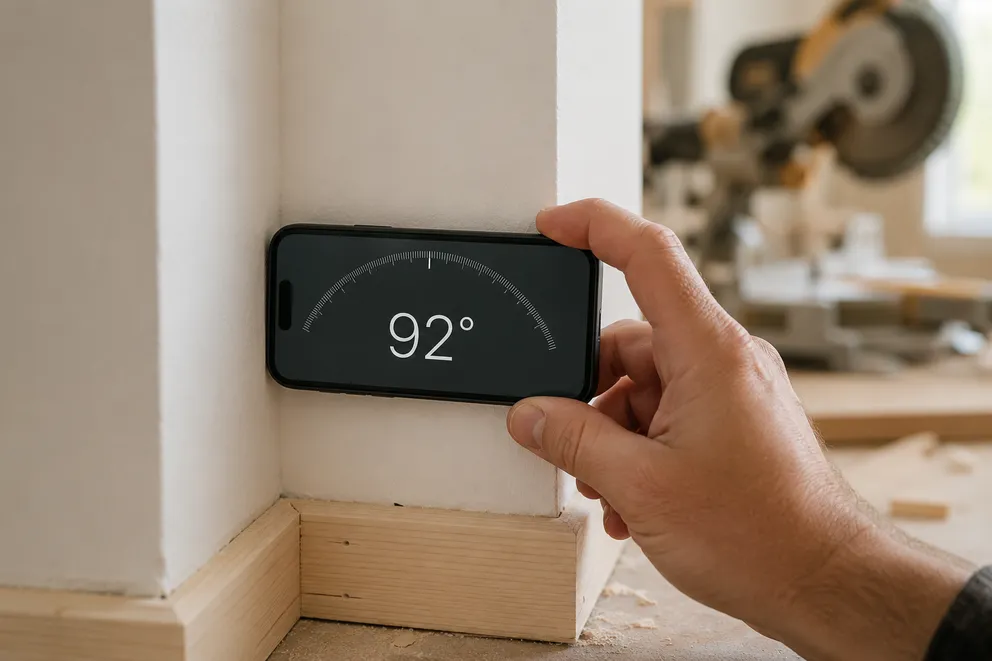
How to Measure the Angle Between Two Walls
Three ways to measure the true angle between two walls — phone with zeroing, T-bevel and protractor, or camera mode — and turn it into the right miter cut.
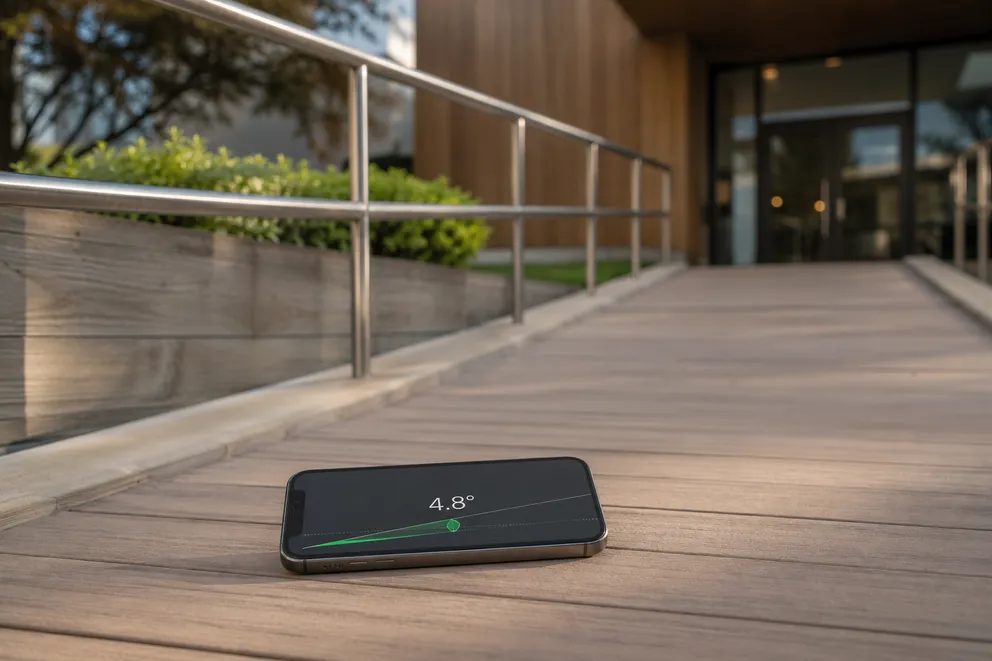
How to Measure a Ramp's Slope (and Check the ADA 1:12 Rule)
How to measure a ramp's slope with your phone and check it against the ADA 1:12 maximum — plus percent and degree conversions, cross-slope, and landings.
Measure any angle,
right from your pocket.
Protractor turns your phone into a precision angle finder, level and inclinometer. Measure anything, anywhere.
Download the App