
How to Use an Angle Finder (Manual & Digital)
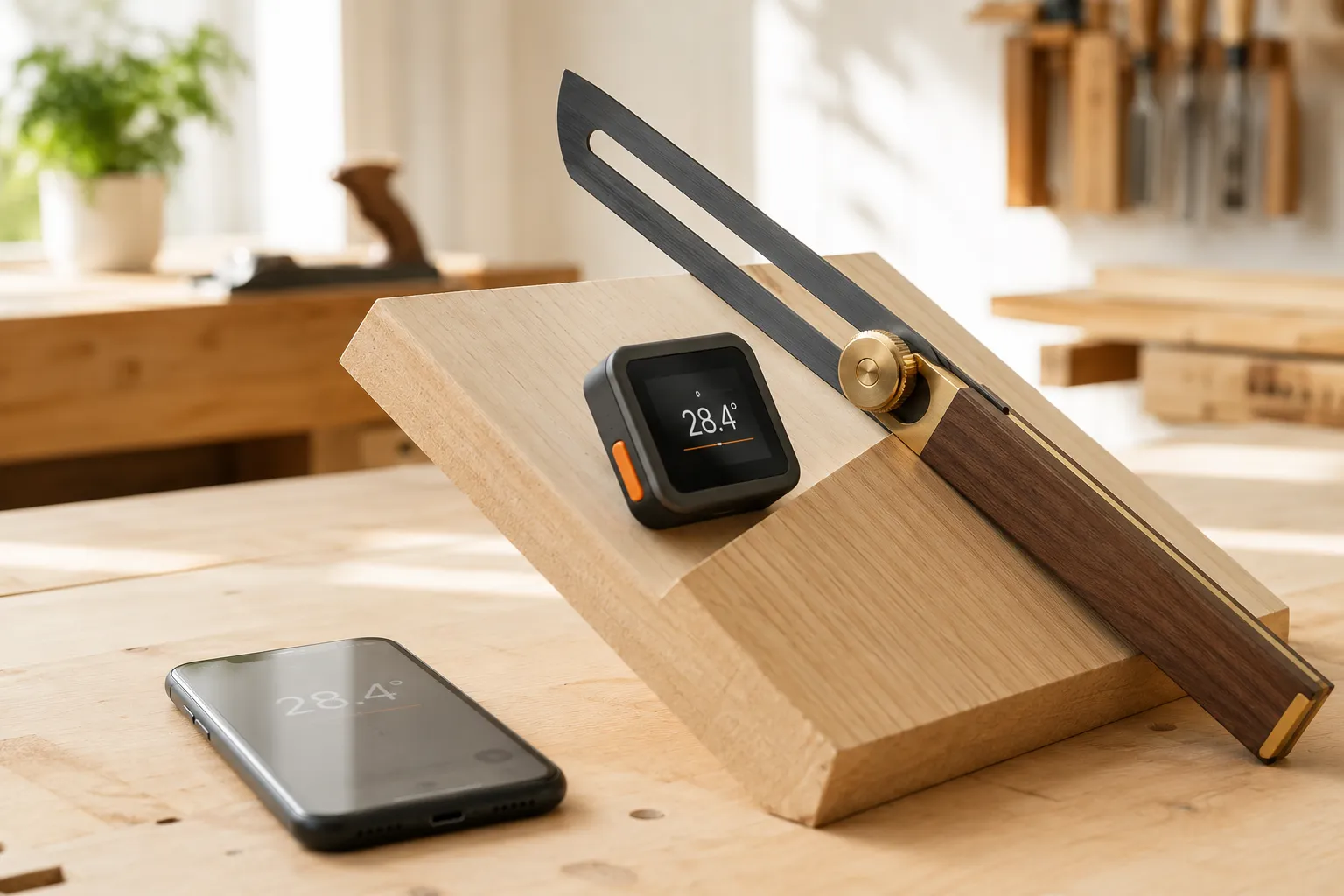
What an angle finder does
An angle finder measures or copies the angle where two surfaces meet. Some give you a number on a scale or screen; others, like a sliding bevel, simply grab the angle so you can move it to a saw. Knowing which job you need — read the angle or transfer it — tells you which tool to reach for.
| Tool | Best for | How you get the angle |
|---|---|---|
| Sliding T-bevel | Copying an odd angle onto a cut | Lock the blade, transfer it — read degrees on a protractor |
| Digital angle finder | A number, at the workpiece | Seat both arms, read the LCD |
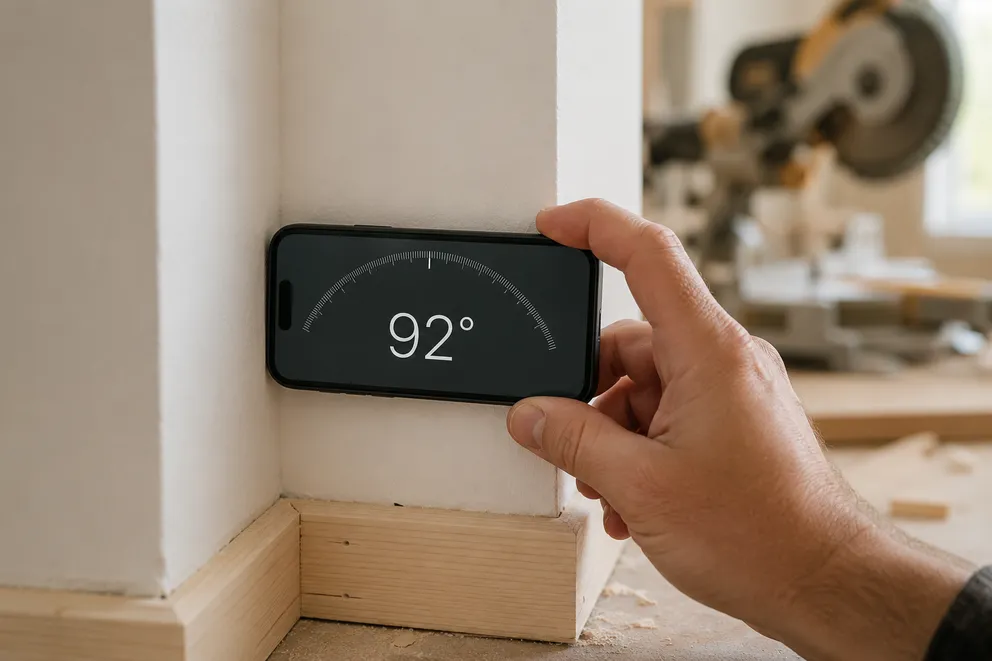
| Phone app | The angle finder you always have | Rest the phone on the surface, read the live degrees |
Using a manual angle finder (sliding bevel)
A sliding T-bevel is the classic woodworking angle finder. To use one:
- Loosen the lock. Back off the wing nut or lever so the blade swings freely.
- Seat it in the angle. Hold the stock flat against one surface and swing the blade until it lies flat against the other. Both faces must sit flush — any gap throws the angle off.
- Lock it. Tighten the nut without letting the blade shift.
- Read or transfer. Lay the locked bevel on a protractor to read the degrees, or set it directly against your workpiece and mark the cut.
The bevel’s strength is faithful copying: it reproduces an odd corner exactly, even if you never learn what the number is.
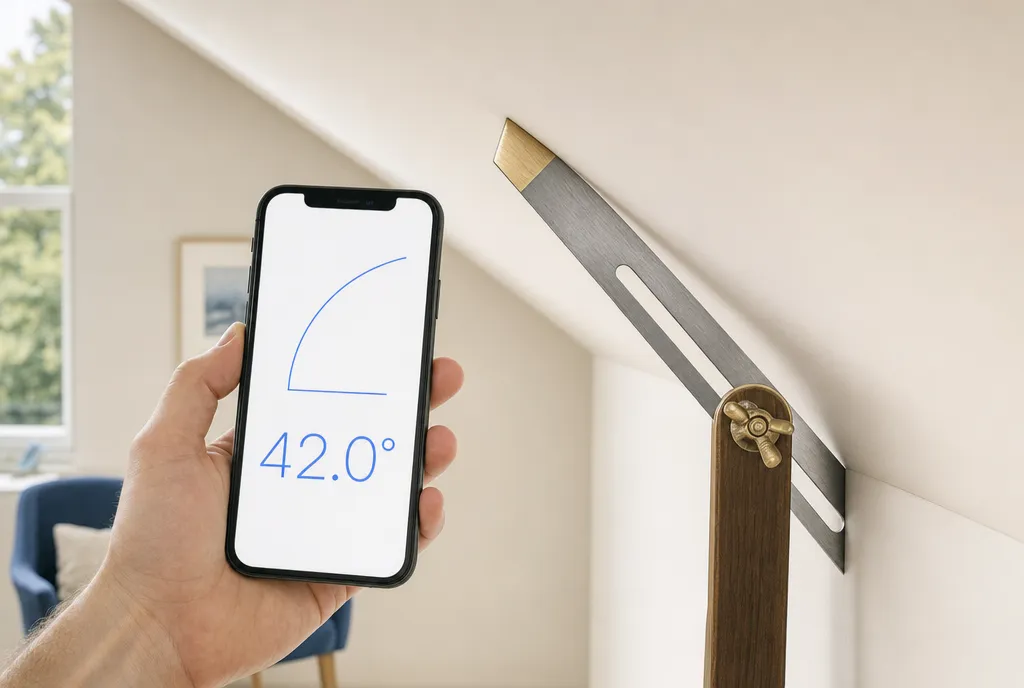
Using a digital angle finder
A digital angle finder (or digital angle gauge) replaces the printed scale with a tilt sensor and an LCD:
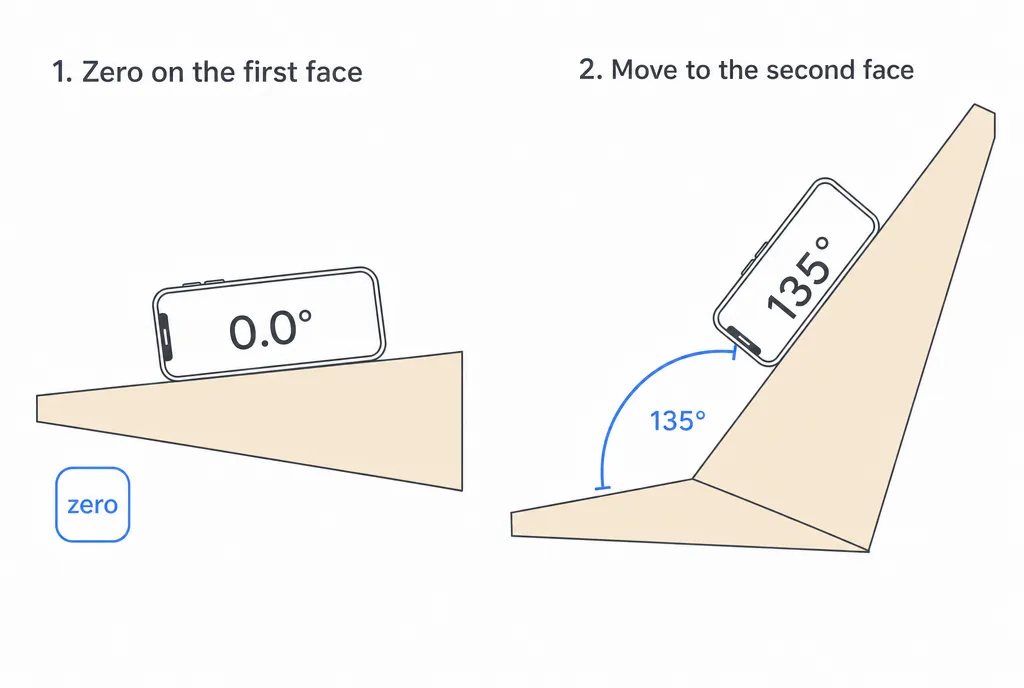
- Zero it on a flat reference if you want the angle between two faces rather than from level.
- Seat both arms flush against the surfaces, pivot on the corner.
- Read the screen. Press hold so the value stays put while you move the tool away.
Because there’s no scale to eyeball, a digital finder removes the most common reading error. The trade-off is one more battery to keep charged.
Using your phone as an angle finder
Your iPhone already contains the same kind of tilt sensor a digital angle finder uses. The Protractor app reads it, so there are no arms to align:
- Rest the phone flat against the surface whose angle you want.
- Let the reading settle and read the degrees. Tap to switch to percent slope or an X-in-12 ratio.
- Zero against a reference first when you need the angle between two faces.
- Use camera mode for an angle you can’t lay the phone on — line the on-screen arms up with the edges in a photo.
It’s the angle finder you never leave in the shop, and it’s free to try. For the wider comparison of tools that measure angles, and the physics behind the reading, see how it works.
Tips for an accurate reading
- Press the tool firmly flat — a rock or a gap of even a degree changes the answer.
- Re-zero on a known-flat surface before measuring between two faces.
- Let digital tools settle for a second before you trust the number.
- Sanity-check against what you see: sharper than a square corner should read under 90°.
Get those reference surfaces seated and the rest is just reading a number — or carrying the angle straight to your cut.
Frequently asked questions
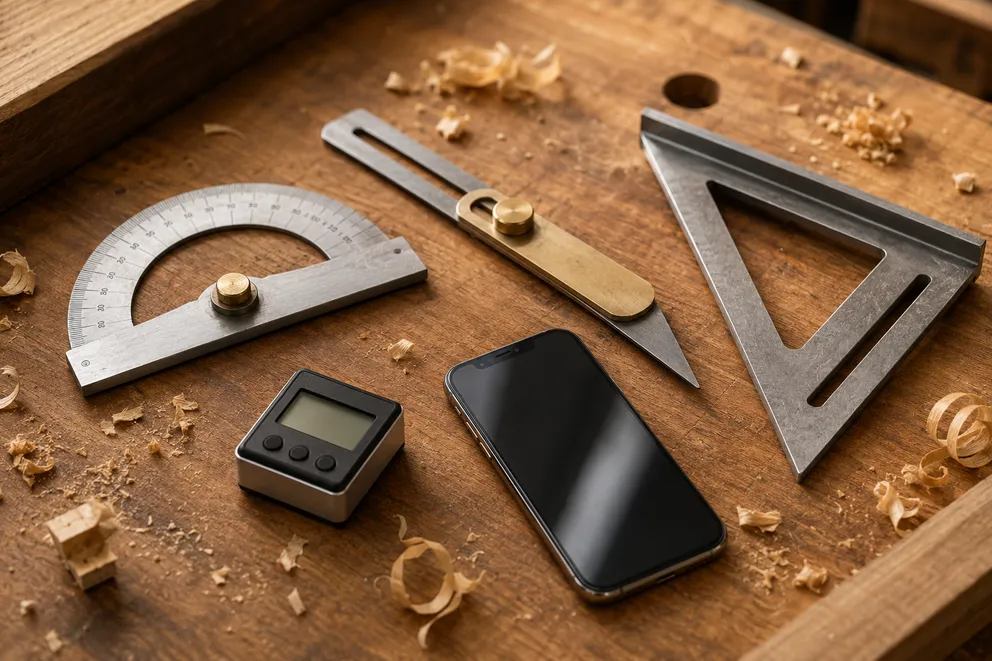
Angle Measuring Tools Compared: Which One Do You Need?
What each angle measuring tool does best — protractor, T-bevel, speed square, digital angle gauge, phone app, online protractor — and how to pick one.
How to Measure the Angle Between Two Walls
Three ways to measure the true angle between two walls — phone with zeroing, T-bevel and protractor, or camera mode — and turn it into the right miter cut.
Measure any angle,
right from your pocket.
Protractor turns your phone into a precision angle finder, level and inclinometer. Measure anything, anywhere.
Download the App