
How Accurate Are Phone Angle & Level Apps?
The short, honest answer
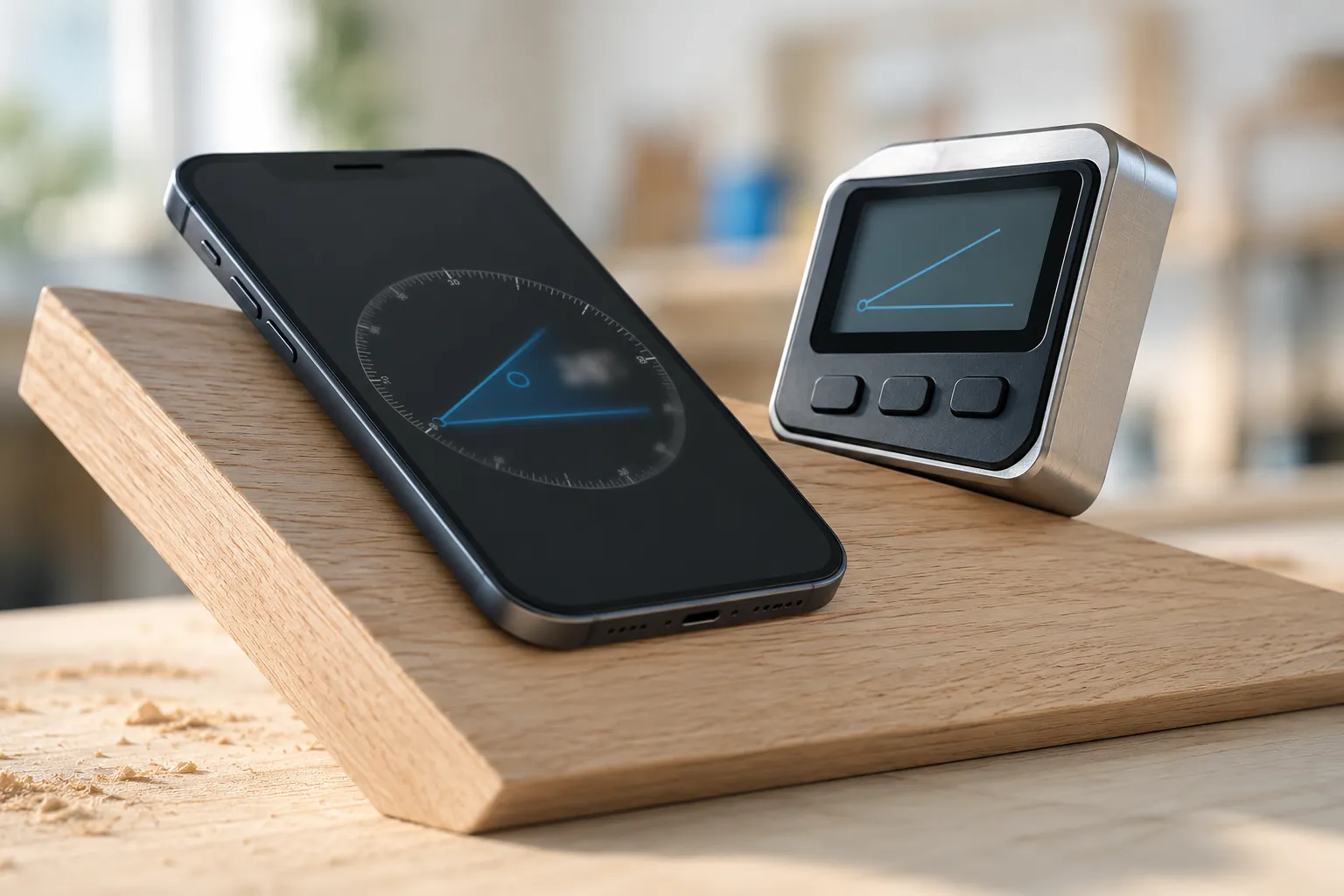
How accurate is a phone angle or level app? On most modern iPhones, you can expect readings within about 1° of the true angle for everyday measuring — and noticeably tighter than that when you calibrate first and hold the phone steady. That’s the realistic number, not the marketing one.
It’s worth being clear about where that comes from. The same motion sensors a phone angle app reads — the accelerometer and gyroscope — are the exact sensors behind Apple’s own level in the Measure app. There’s no special hardware in a paid app that the operating system doesn’t already expose. So when someone claims tenth-of-a-degree precision from a phone in real-world conditions, treat it with suspicion. The sensor is good, but it isn’t a calibrated instrument.
The good news: roughly a degree is more than enough for the vast majority of things people actually measure. The rest of this post is about when that’s true, what quietly makes it worse, and the handful of jobs where you genuinely want a better tool.
How a phone reads an angle in the first place
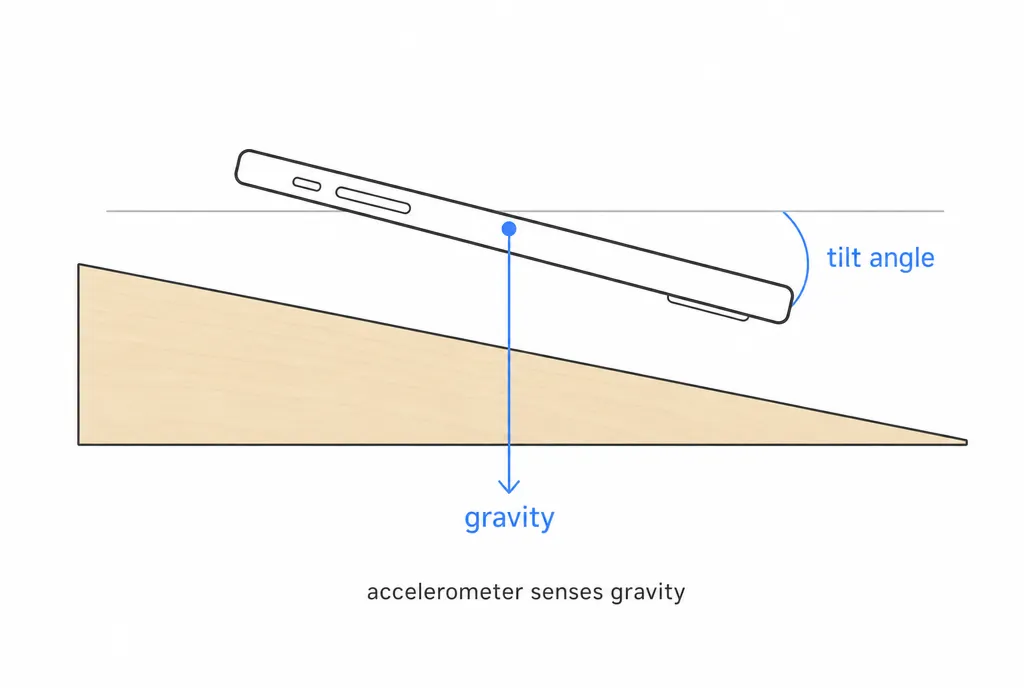
The accelerometer senses the direction of gravity. When the phone sits still, gravity always points straight down, so the chip can work out how far the phone is tilted from flat — that tilt is the angle. The gyroscope tracks rotation, smoothing out the reading and letting the phone follow movement instead of jumping around.
This is solid physics, and it’s why the approach works at all. But it also explains the limits. The sensor measures gravity, so it needs the phone to be still to give its best reading — gravity is constant, but any extra motion (your hand shaking, the surface rocking) adds acceleration the chip can’t tell apart from a tilt change. And because it’s reading the phone’s orientation, anything that holds the phone at a slightly different angle than the thing you’re measuring shows up as error.
That’s the whole accuracy story in one sentence: the phone reports its own tilt very well; the question is whether its tilt actually matches the surface you care about.
What quietly degrades the reading
Most “the app is wrong” complaints aren’t the sensor — they’re one of these:
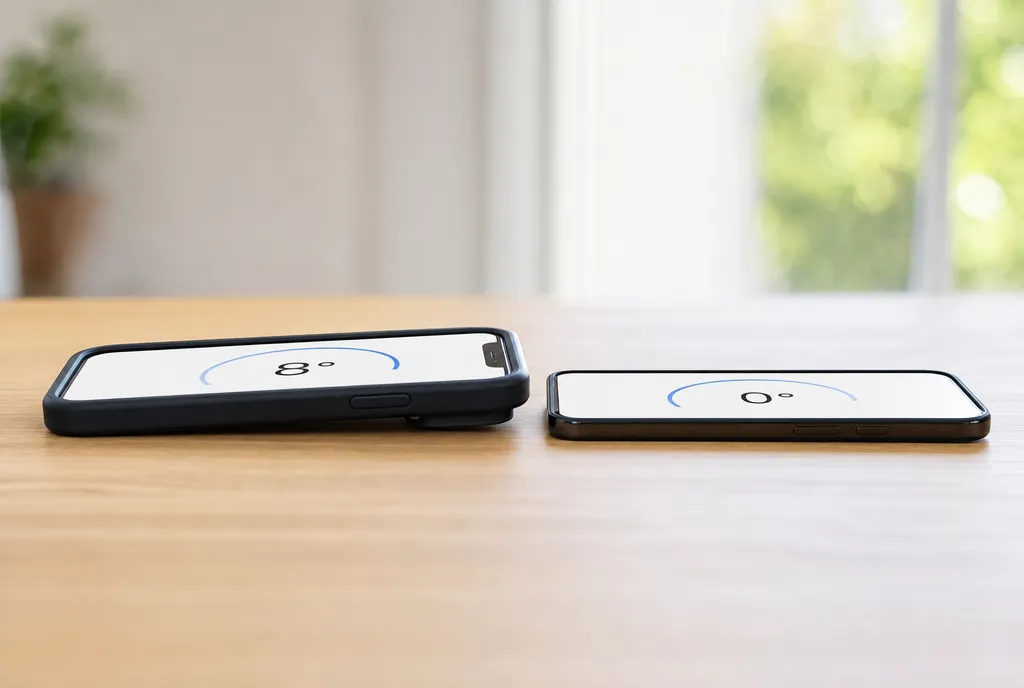
- A thick or kickstand case. If the case has a raised lip, a camera bump, or a fold-out stand, the phone rocks or sits proud of the surface. A 1 mm gap on one edge can swing the reading by a degree or more. This is the single most common culprit.
- An uneven or rocking surface. You’re measuring the high point, not the surface. Press the phone down and feel for a wobble before you trust the number.
- Not holding it flush. Pressing a phone against a wall by hand introduces small tilts you can’t feel. Anything you can rest it on flat beats anything you hold.
- An uncalibrated phone. Sensors drift over time and after drops. A phone that’s a degree off at “flat” is a degree off everywhere.
- Rapid movement. Reading the number while you’re still moving the phone catches it mid-correction. Let it settle.
None of these are fatal, and none of them are really the app’s fault. They’re handling errors — which means they’re fixable.
How to get the most accuracy out of it
A few habits close most of the gap between “roughly right” and “as good as the hardware allows”:
- Calibrate against a known-flat reference. Rest the phone on a surface you trust, then use the app’s zero or calibrate function so it treats that as 0°. This is the highest-leverage step by far — it cancels out sensor drift.
- Sanity-check by flipping. After calibrating, rotate the phone end-for-end on the same spot. A good reading is identical both ways; if it isn’t, split the difference or re-calibrate.
- Take the case off. Or at least lay the phone on a face with no bump. Let the glass sit flat against the surface.
- Hold still and let it settle. Set the phone down, wait a beat for the number to stop moving, then read it.
- Rest, don’t hold. Whenever you can, set the phone on the surface instead of pressing it against one by hand.
Do those and you’ll routinely beat that 1° figure. For a walk-through of the sensor side, see how it works. Want to see your own phone’s number? Open the angle finder, calibrate it, and flip-test it — you’ll know in thirty seconds exactly how accurate your device is.
When a phone is plenty — and when it isn’t
A phone is genuinely enough for most real work. Hanging a picture, shelf, or TV mount? Plenty. Woodworking and DIY joinery? Yes — a degree is finer than most saw setups hold anyway. Checking roof pitch, a wheelchair or drainage ramp, furniture sitting level, a deck slope? All squarely in the phone’s wheelhouse, and far easier than wrestling a physical tool into place.
Where you should reach for a calibrated digital angle gauge or inclinometer instead:
- Machine-shop and metalworking tolerances, where parts are specified to fractions of a degree and a 1° error means scrap.
- Certified, survey, or compliance work — anything that has to stand up to an inspector or a signed report needs an instrument with a traceable calibration record. A phone has none.
- Precision alignment of optics, masonry courses, or anything where small angular errors compound over distance.
That’s the honest line. A phone angle app is an accurate, convenient tool that replaces a protractor, spirit level, and inclinometer for everyday measuring — which is most measuring. It is not a metrology instrument, and any app claiming otherwise is overselling. For more on picking one that’s upfront about this, see our take on the best protractor app. The right tool is the one that matches the tolerance the job actually needs — and now you know which side of that line you’re on.
Frequently asked questions
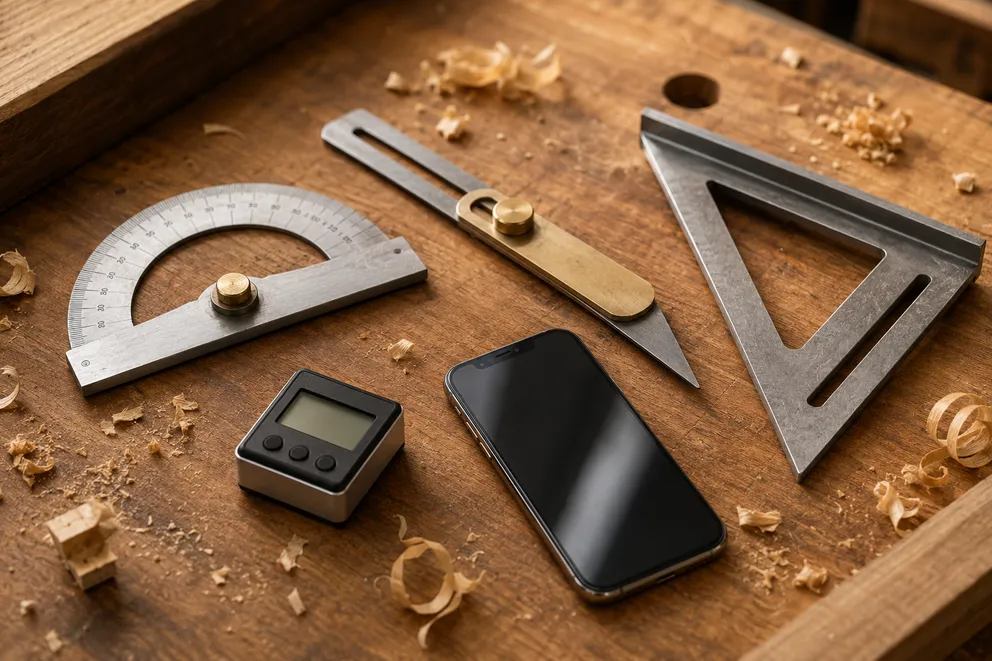
Angle Measuring Tools Compared: Which One Do You Need?
What each angle measuring tool does best — protractor, T-bevel, speed square, digital angle gauge, phone app, online protractor — and how to pick one.
How to Measure the Angle Between Two Walls
Three ways to measure the true angle between two walls — phone with zeroing, T-bevel and protractor, or camera mode — and turn it into the right miter cut.
Measure any angle,
right from your pocket.
Protractor turns your phone into a precision angle finder, level and inclinometer. Measure anything, anywhere.
Download the App