
How to Measure an Angle (With or Without a Protractor)
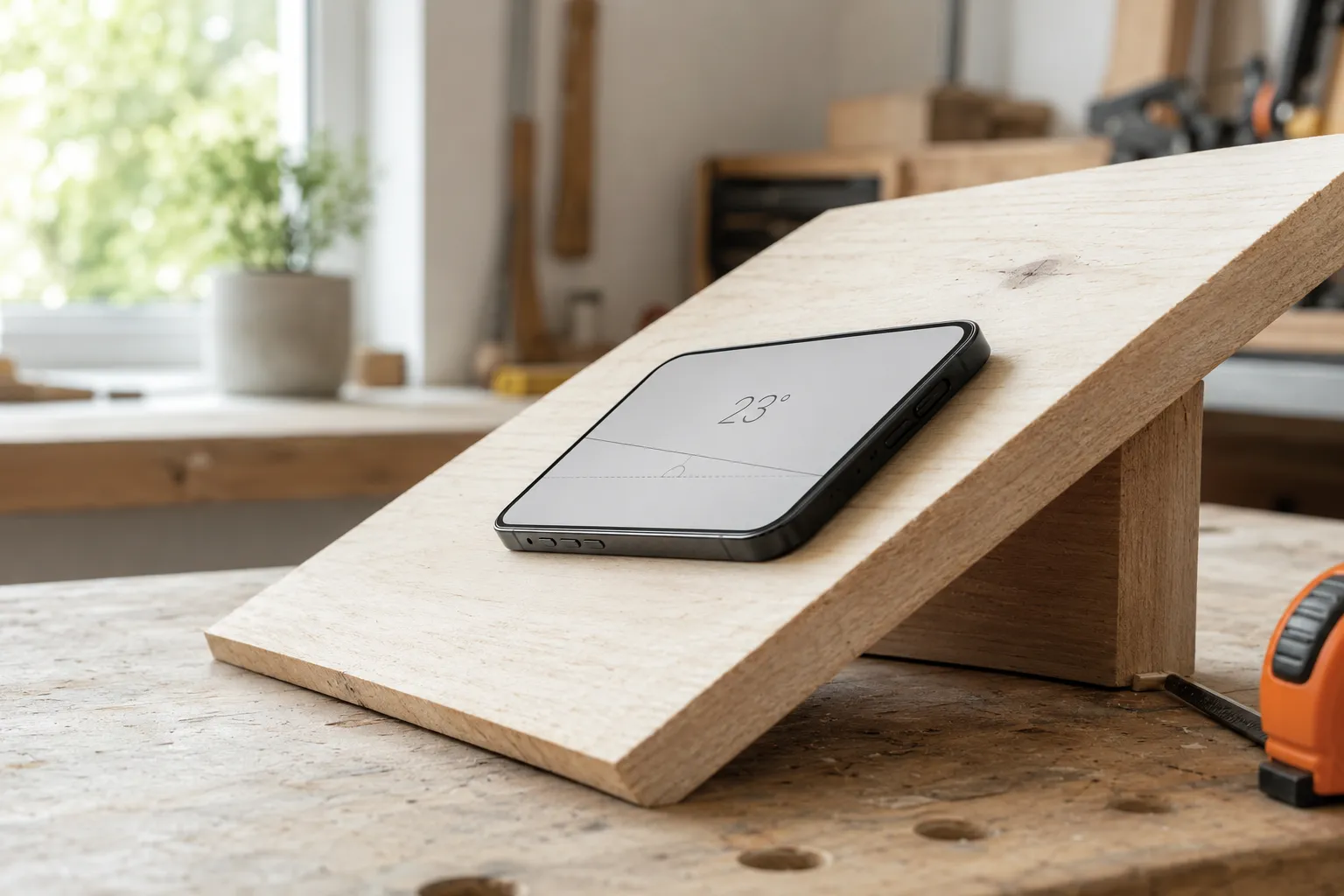
First, what are you measuring?
Every angle is the opening between two lines meeting at a point, measured in degrees: 90° is a square corner, 180° is a straight line, anything below 90° is “acute” and above is “obtuse.” Knowing roughly which bucket your angle falls in is the fastest way to catch a measurement that’s flat-out wrong.
Method 1 — A protractor
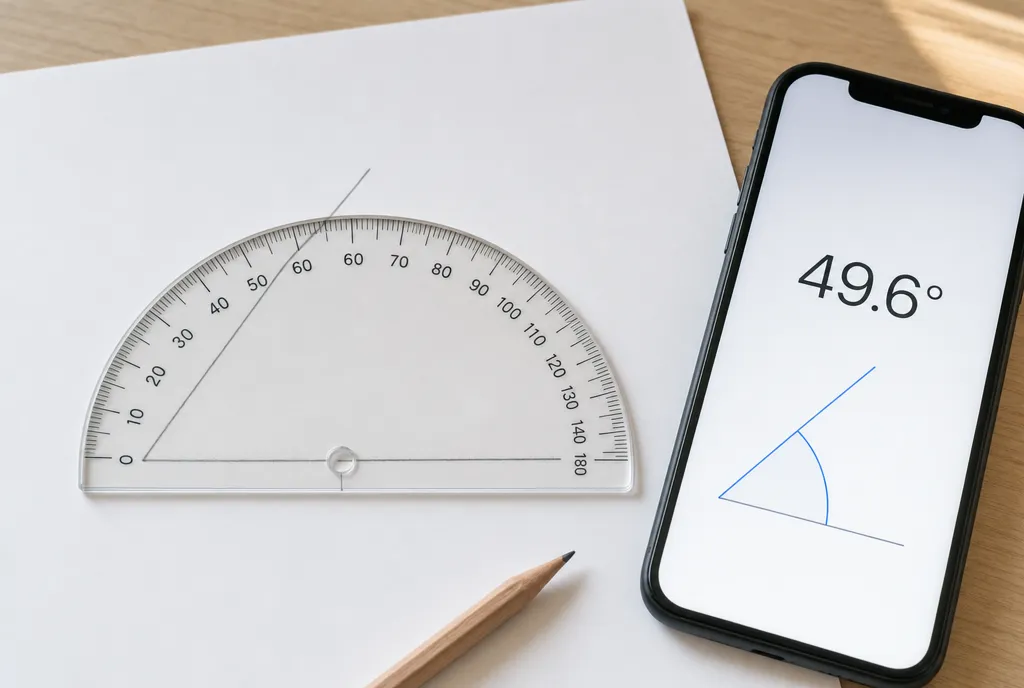
The classic tool. Center it on the vertex, align the flat edge with one ray, and read where the second ray crosses the scale. It’s precise on paper and needs no battery. Its limit is obvious: you can’t press a protractor flat against a wall, a table leg, or a roof. (Full walkthrough in How to Use a Protractor.)
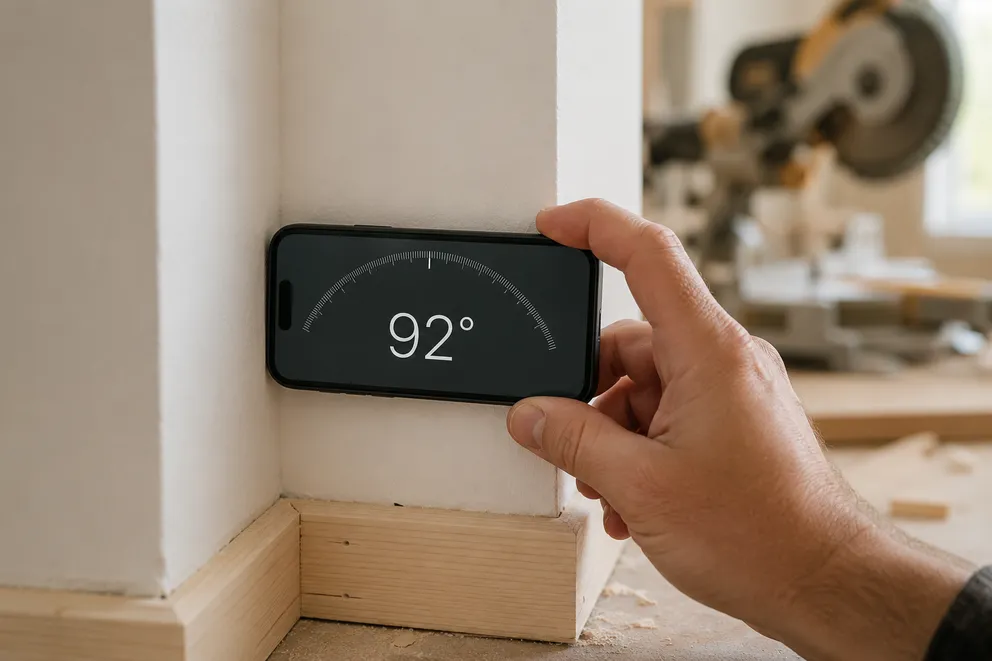
Method 2 — Your phone, resting on the surface
This is the everyday winner for real objects. An iPhone’s accelerometer senses the direction of gravity, so it always knows how far it’s tilted from level. Rest it on the surface and that tilt is the angle.
- Open a protractor / angle-measure app.
- Lay the phone flat against the surface you’re measuring.
- Read the live degree value. Tap to zero it against a reference surface first if you need the angle between two faces rather than from level.
No alignment, no reading the wrong scale — the two failure points of a physical protractor disappear.
Method 3 — A camera protractor (for angles you can’t touch)
Some angles you simply can’t lay a phone on: the pitch of a roof seen from the garden, the angle in a printed diagram, the spread of a pair of scissors in a photo. A camera-based protractor lets you take or open a photo and drag two on-screen arms onto the lines. The app reports the angle between them. It’s the only method that works at a distance or after the fact.
Method 4 — Trigonometry from rise and run
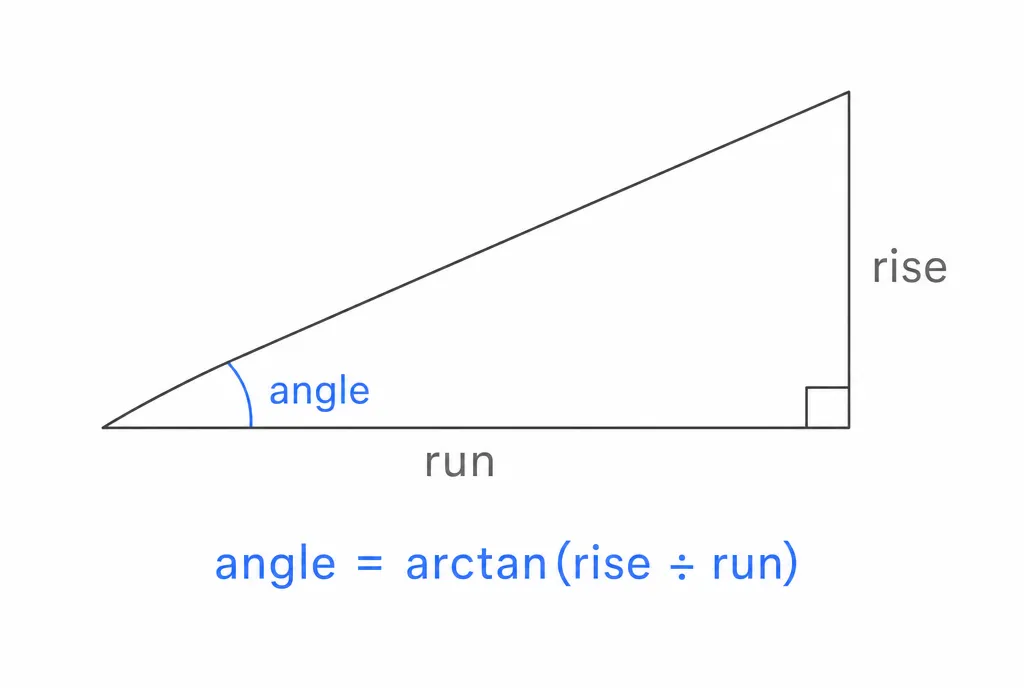
If you can measure the two sides of the right triangle the angle forms, you don’t need any angle tool at all:
angle = arctan(rise ÷ run)
Measure the vertical rise and the horizontal run, divide, and take the inverse tangent (the tan⁻¹ button on any calculator). A roof that rises 4 inches over 12 inches of run is arctan(4/12) ≈ 18°. This is exactly how a “4-in-12” roof pitch converts to degrees.
Which method should you use?
| Situation | Best method |
|---|---|
| Angle drawn on paper | Protractor |
| Angle of a real surface you can reach | Phone on the surface |
| Angle at a distance or in a photo | Camera protractor |
| You can measure the sides but not the angle | Trigonometry (arctan) |
For most real-world jobs, the phone in your pocket replaces three of these at once — it reads tilt directly, measures on a photo, and converts degrees to slope or pitch without a separate calculation.
Frequently asked questions
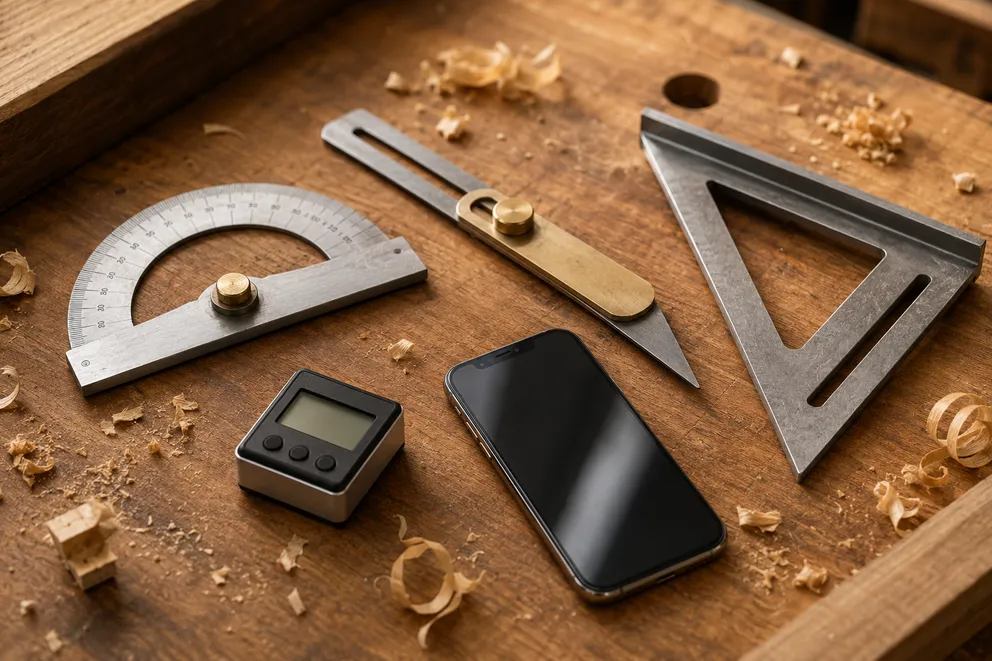
Angle Measuring Tools Compared: Which One Do You Need?
What each angle measuring tool does best — protractor, T-bevel, speed square, digital angle gauge, phone app, online protractor — and how to pick one.
How to Measure the Angle Between Two Walls
Three ways to measure the true angle between two walls — phone with zeroing, T-bevel and protractor, or camera mode — and turn it into the right miter cut.
Measure any angle,
right from your pocket.
Protractor turns your phone into a precision angle finder, level and inclinometer. Measure anything, anywhere.
Download the App