
Measure an Angle With Your iPhone in 10 Seconds (No Protractor)
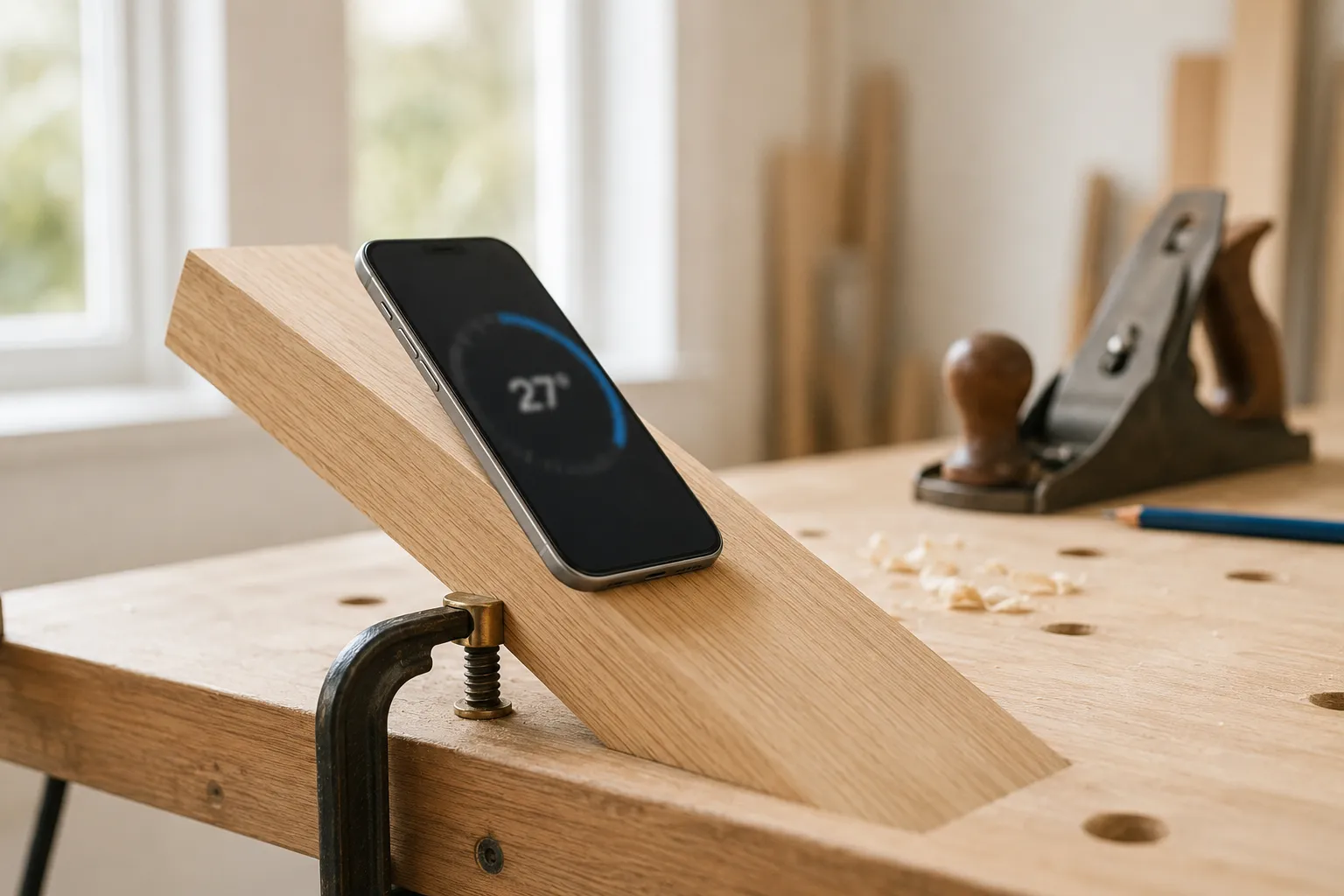
Is there a protractor on the iPhone?
Out of the box, almost. Apple’s Measure app includes a basic bubble level, and the hardware for a full protractor — an accelerometer and a gyroscope — is already inside every iPhone. What’s missing is the readout: iOS never shows you a live angle in degrees. A protractor app fills that gap, turning the sensors the phone already has into a surface angle finder, an inclinometer, and a camera protractor. So if you’re wondering whether you can use your phone as a protractor: yes, and here’s exactly how.
What your iPhone uses to read an angle
Your iPhone has an accelerometer and a gyroscope — the same sensors behind Apple’s Measure app and the level inside the Compass app. The accelerometer senses the direction of gravity, so the phone always knows how far it’s tilted from flat. The gyroscope tracks how that tilt changes as you move it.
That’s all an angle is: how far a surface leans away from level. So when you want to measure an angle with your iPhone, you’re really just letting it report the tilt it’s already sensing. An angle finder app turns that raw tilt into a clean degree readout — no scale to align, no vertex to find.
Step by step: measure a surface angle
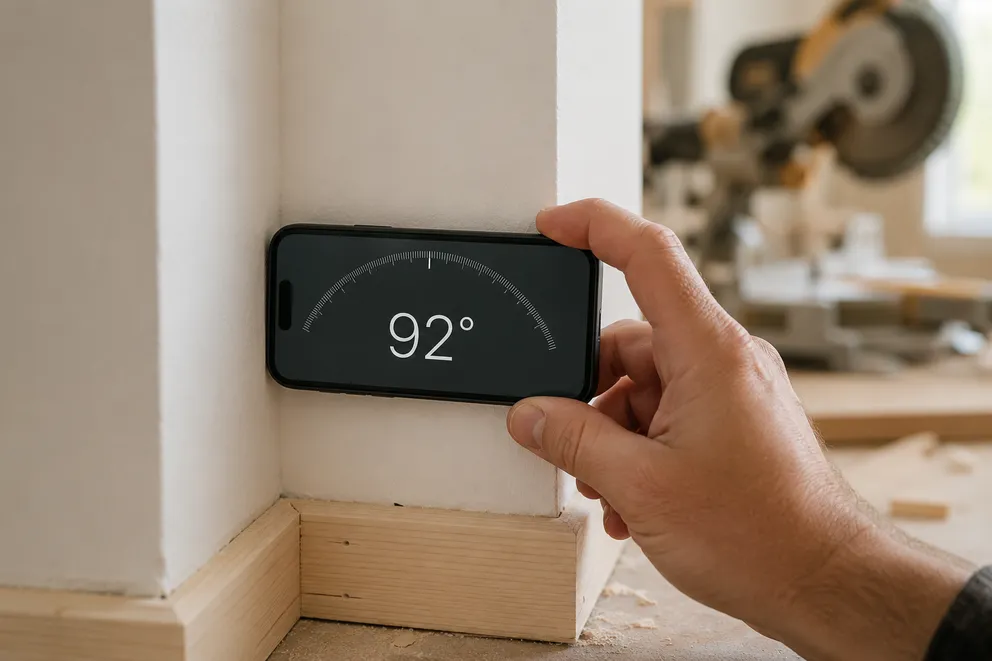
- Open the app and rest the phone flat on the surface. Lay one long edge of the iPhone against the board, ramp, or shelf you’re measuring. The screen will start showing a live number.
- Hold it steady and let it settle. The reading wobbles for a moment as the sensors average out small movements. Wait a beat until the number stops drifting.
- Read the degrees. That settled value is the surface’s angle from level — a flat floor reads 0°, a vertical wall reads 90°.
- Switch units if you need to. Tap the readout to cycle through degrees, percent slope, and rise-over-run ratio. Roofers and landscapers usually want percent or ratio; everyone else wants degrees.
That’s the whole flow. Because there’s no scale to line up, the step where most physical-protractor mistakes happen simply doesn’t exist.
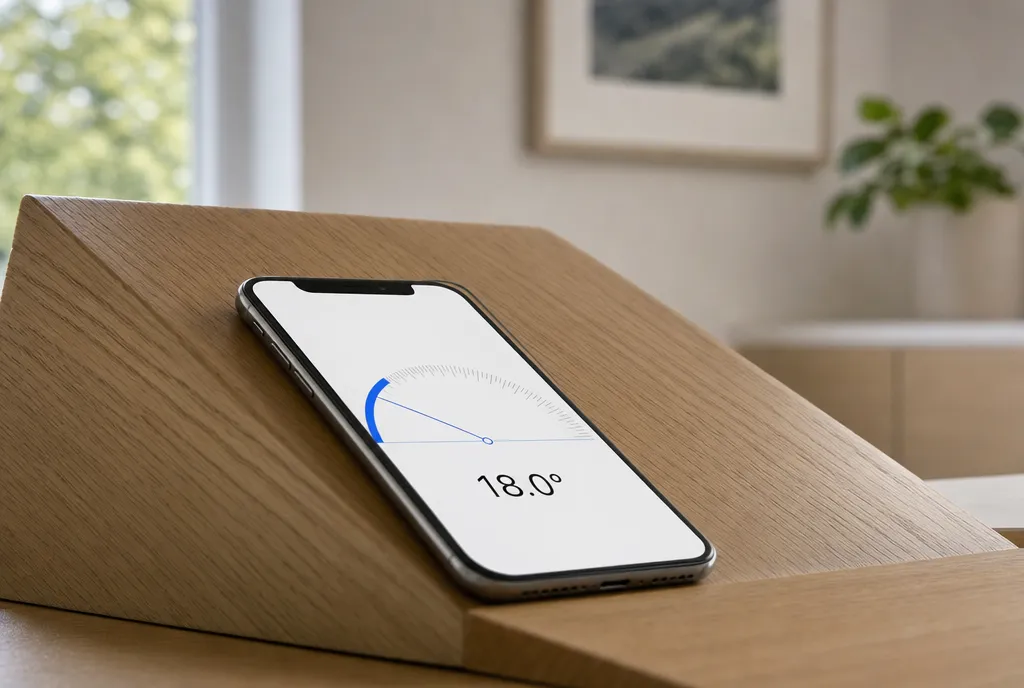
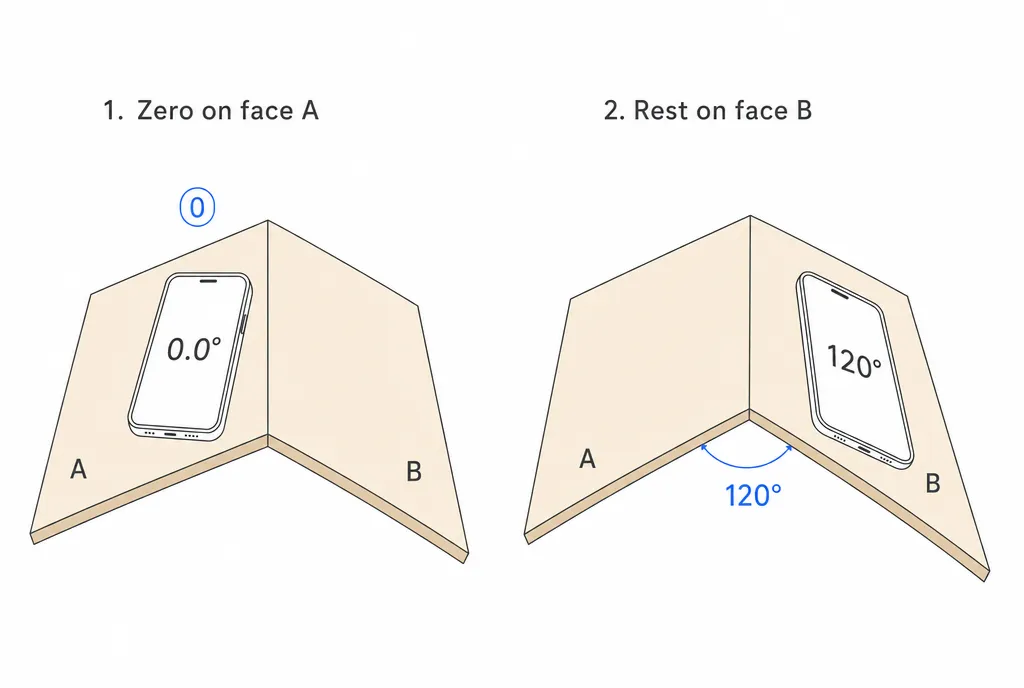
Zero against a reference to measure between two faces
Resting the phone on a surface tells you its tilt from level. But often you want the angle between two surfaces — the bend in a bracket, the opening of a hinge, the miter between two boards.
For that, zero the phone against a reference:
- Lay the iPhone on the first face and tap to set it to 0°. That face is now your baseline.
- Move the phone to the second face without restarting.
- Read the value. It’s the angle from face one to face two, regardless of how either is tilted in the room.
This re-zero trick is what lets you measure relative angles on objects that aren’t sitting level to begin with.
Camera mode: angles you can’t lay the phone on
Some angles you can’t press a phone against — the corner of a roof, a ramp across the room, a line in a photo. That’s what camera mode is for.
Point the iPhone at the angle and you’ll see two adjustable arms on the screen. Drag each arm onto one of the lines forming the angle, and the app reads the degrees between them straight off the image. It’s the same idea as a paper protractor, except you’re laying the arms over a live view instead of over a printed scale. You can also load a saved photo and measure an angle in it after the fact.
Accuracy tips: how to get a clean reading
The iPhone’s sensors are good — typically within about a degree once the phone is held properly — which is plenty for DIY, woodworking, furniture, and home projects. It is not a replacement for calibrated machine-shop or certified inspection tools, so don’t trust it for sub-degree, safety-critical work.
To get the most out of it:
- Hold it genuinely flat. Let one full edge contact the surface; a phone tipped on a corner reads the wrong plane.
- Remove the case. A bulky or uneven case can prop the phone off the surface by a degree or two.
- Let it settle before reading. Give the number a second to stop drifting after you set the phone down.
- Calibrate against something you trust. Rest it on a known-level surface; if it doesn’t read 0°, re-zero it there first.
If you want the underlying detail on what the sensors do and where their limits are, how it works walks through it, and our guide to measuring an angle covers the broader approach. Used with a little care, the phone in your pocket replaces a protractor, a level, and an inclinometer all at once — and it’s already calibrated to gravity.
Frequently asked questions
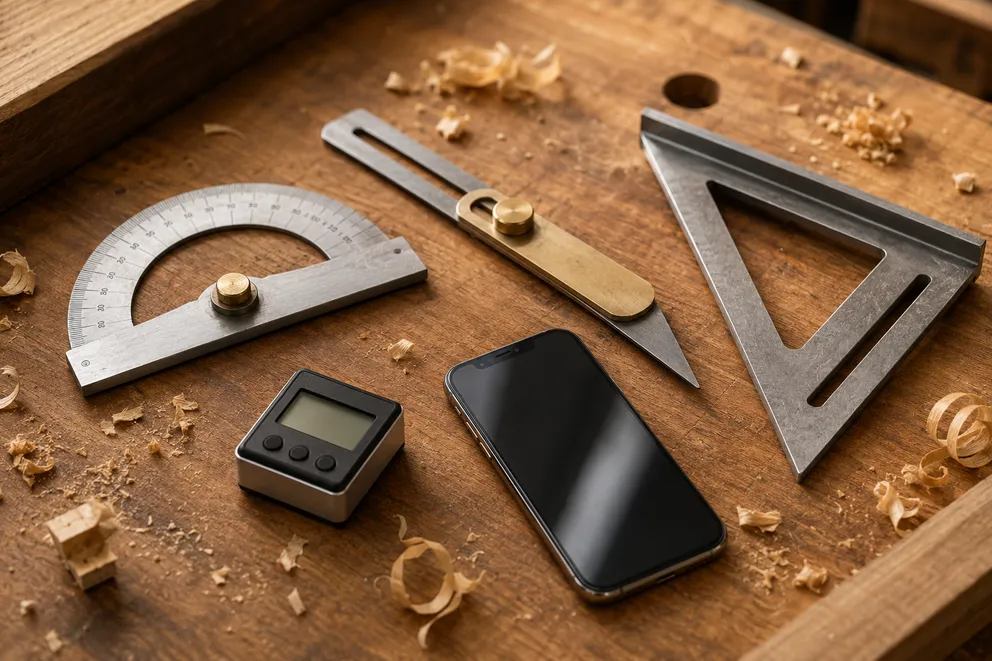
Angle Measuring Tools Compared: Which One Do You Need?
What each angle measuring tool does best — protractor, T-bevel, speed square, digital angle gauge, phone app, online protractor — and how to pick one.
How to Measure the Angle Between Two Walls
Three ways to measure the true angle between two walls — phone with zeroing, T-bevel and protractor, or camera mode — and turn it into the right miter cut.
Measure any angle,
right from your pocket.
Protractor turns your phone into a precision angle finder, level and inclinometer. Measure anything, anywhere.
Download the App