
How to Measure an Angle Without a Protractor
The fastest way: use the phone in your pocket
Your iPhone already carries the hardware a protractor doesn’t. The accelerometer and gyroscope sense the direction of gravity, so the phone always knows how far it’s tilted from flat. Rest it on a tabletop, a shelf, or a ramp and that tilt is the surface’s angle — a protractor app reads it as a live degree number with nothing to line up.
That covers any angle you can lay the phone against. For angles you can’t touch — the pitch of a roof, the corner of a staircase across the room, a line in a photo — the Protractor app has a camera mode: you drag two on-screen arms onto the image and it reads the angle between them. It’s free to try, works offline, and there are no ads getting in the way.
How accurate is it? For DIY work — furniture, shelving, ramps, framing — you can expect roughly 1° of accuracy, which is plenty. It won’t replace a machinist’s gauge for precision metalwork, but for the jobs most people actually face, the phone is the quickest honest answer to how to measure an angle without a protractor.
The math way: trigonometry with a ruler
When you need a number and only have a ruler, trigonometry does the work a protractor would. This trick is for right triangles — any situation where two lines meet a third at a square corner, which is most carpentry layouts.
Pick the angle you want to measure. From it, you have two sides: the opposite side (across from the angle) and the adjacent side (next to it, running into the right angle). Measure both with your ruler, then:
angle = arctan(opposite ÷ adjacent)
Say the opposite side is 3 cm and the adjacent side is 4 cm. Divide to get 0.75, hit the tan⁻¹ (arctan) button on your phone’s calculator, and you get about 36.9°. No protractor, no app — just a ruler and the calculator you already have.
This is the method to reach for in geometry homework and any layout where you can measure clean straight sides. It’s slower than the phone, but it shows the working, which matters when the answer has to be defensible.
The paper-fold trick: common angles, zero tools
Sometimes you don’t need to measure an angle so much as make one — a clean 90° or 45° to trace or cut against. A sheet of paper does this perfectly.
- 90° — Fold a sheet once to get a straight crease, then fold it again so the first crease folds onto itself. The corner where the two creases meet is a true right angle. (A book or a sheet of printer paper is already milled to 90° corners, too.)
- 45° — Take that 90° corner and fold it so one edge lies exactly on top of the other. The new crease bisects the corner, giving you a precise 45°.
- 30° and 60° — Fold an equilateral construction and you can isolate these, though it’s fiddlier; for these the phone is usually faster.
The folded edge is straighter than most hand-drawn lines, so for marking a guide on wood, fabric, or card, this beats eyeballing it. It’s the no-tools-at-all method — useful exactly when you’re caught without a protractor and without your phone.
Fixed angles: the speed square
If you do this kind of work often, a combination square or speed square is worth owning. A speed square is a fixed triangle with built-in 90° and 45° edges (and a degree scale along the hypotenuse for marking roof and stair angles). You don’t measure with it so much as register a known angle against an edge and scribe along it.
It’s the right tool for repeatable cuts — framing, decking, rafters — where you’re marking the same angle again and again and a protractor would be too slow and too fragile.
Which method fits your situation
- A real surface you can reach (wall, shelf, ramp, furniture) — your phone, every time. It’s the fastest and removes the alignment step where readings go wrong.
- An angle you can’t touch (roof, distant corner, a photo) — the phone’s camera mode is the only one that works.
- Geometry homework or a measured drawing — trigonometry with a ruler gives an exact, show-your-work number.
- Marking common angles to cut against — a paper fold for one-offs, a speed square if you do it daily.
None of these is a gimmick replacement for a protractor — each is genuinely better than a protractor for its own job. If you want the background on the classic tool itself, see how to use a protractor, or just open an online protractor and skip the hunt for one entirely.
Frequently asked questions
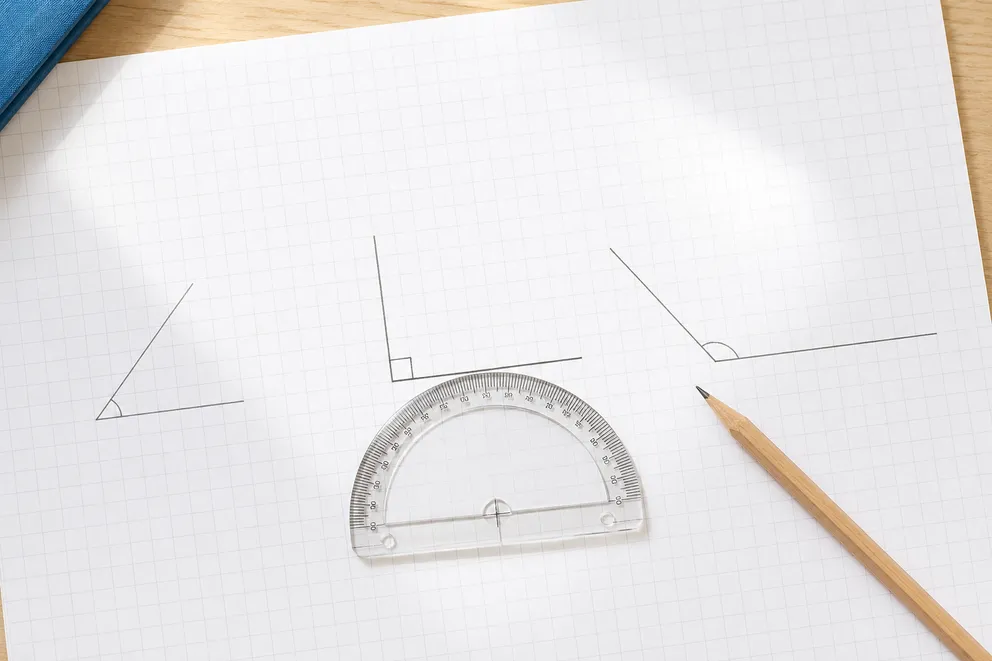
Types of Angles Explained (Acute, Right, Obtuse & More)
A clear guide to the types of angles by degree — acute, right, obtuse, straight, reflex, and full — with everyday examples and how to tell them apart at a glance.
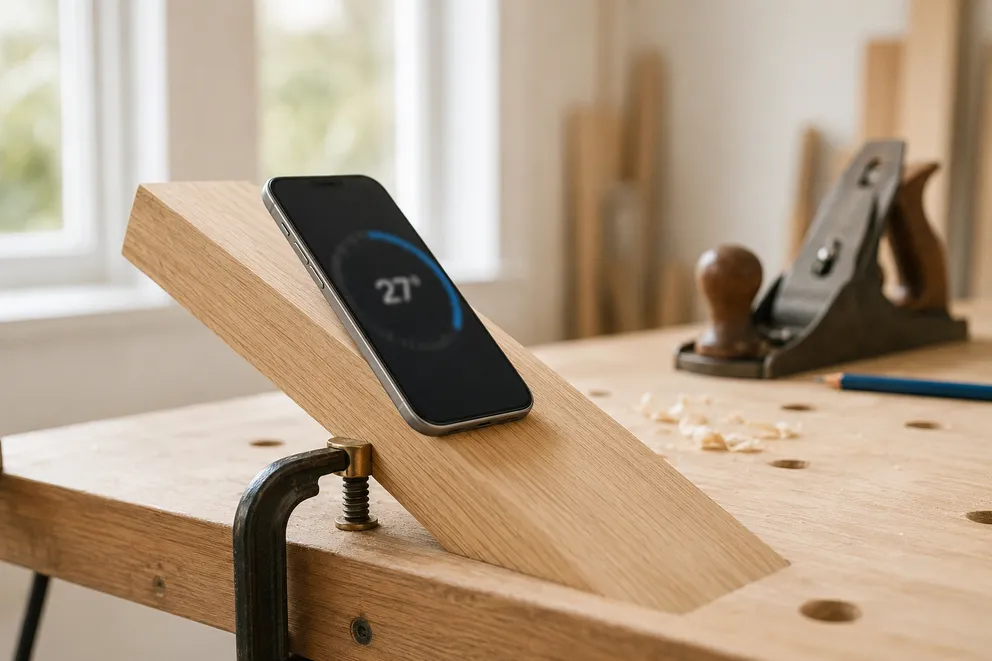
How to Measure an Angle With Your iPhone
Measure any angle with your iPhone using its built-in motion sensors and camera — no physical protractor needed. A step-by-step guide for surfaces, slopes, and photos.
Measure any angle,
right from your pocket.
Protractor turns your iPhone into a precision angle finder, level and inclinometer. Measure anything, anywhere.
Download the App